— 25 —
Clock/Alarm App
4
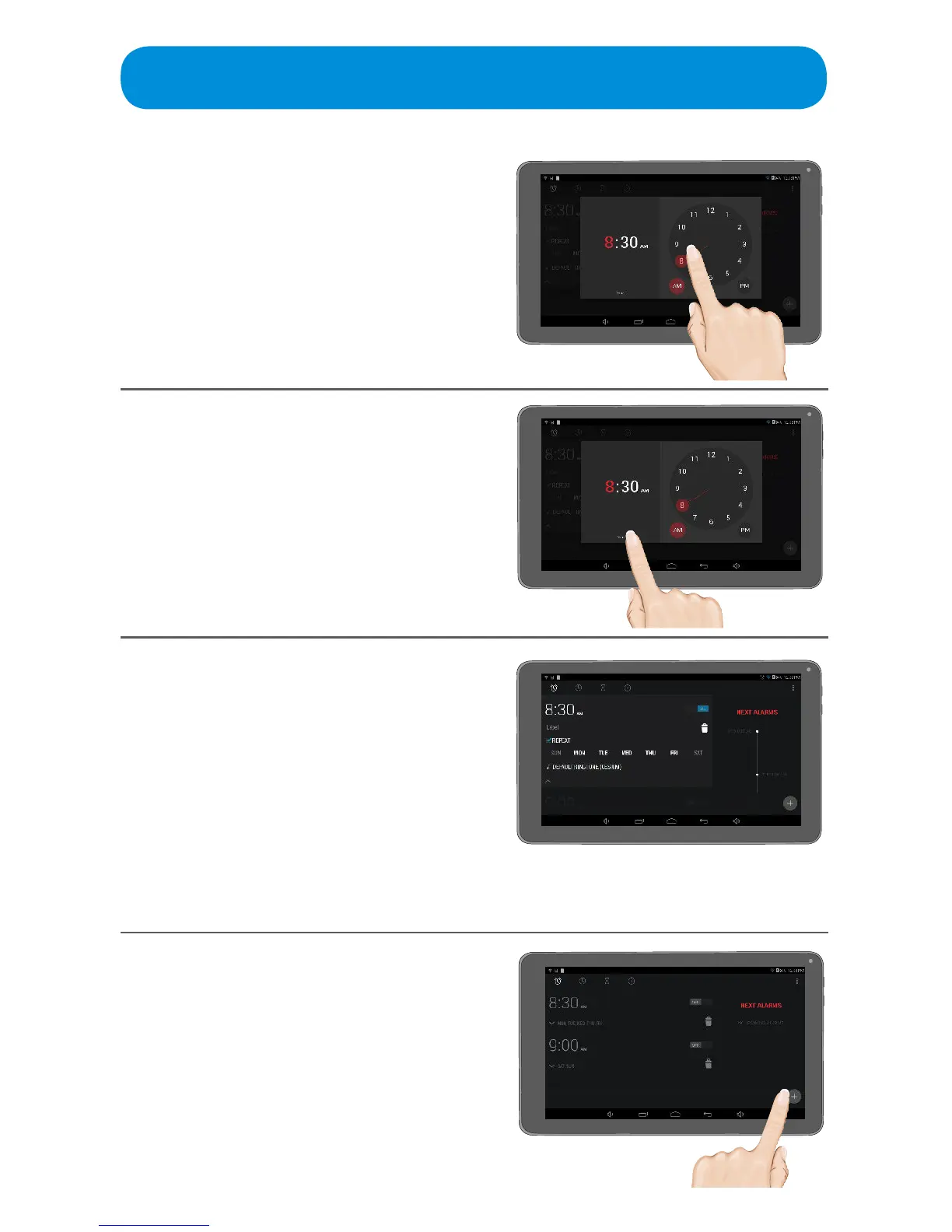
Set the desired hour by tapping
and rotating the clock dial.
Repeat for the minutes. Make sure
to tap AM or PM.
5
Ta p Done; the previous screen
will appear with the Additional
Settings options.
7
To set another alarm, tap the +
icon at the bottom right of the
screen.
6
At this screen, set the following:
u TaptoturnthealarmOnorO.
v Tap to name the alarm.
w Tap to delete the alarm.
x Tap to Repeat Alarm
y Tap to set the desired days the alarm
will sound.
U Tap to set the Alarm sound.
V Tap to collapse the pull down menu.
u
v
w
x
U
V
y



 To Next Page