— 41 —
Camera/Video App
6
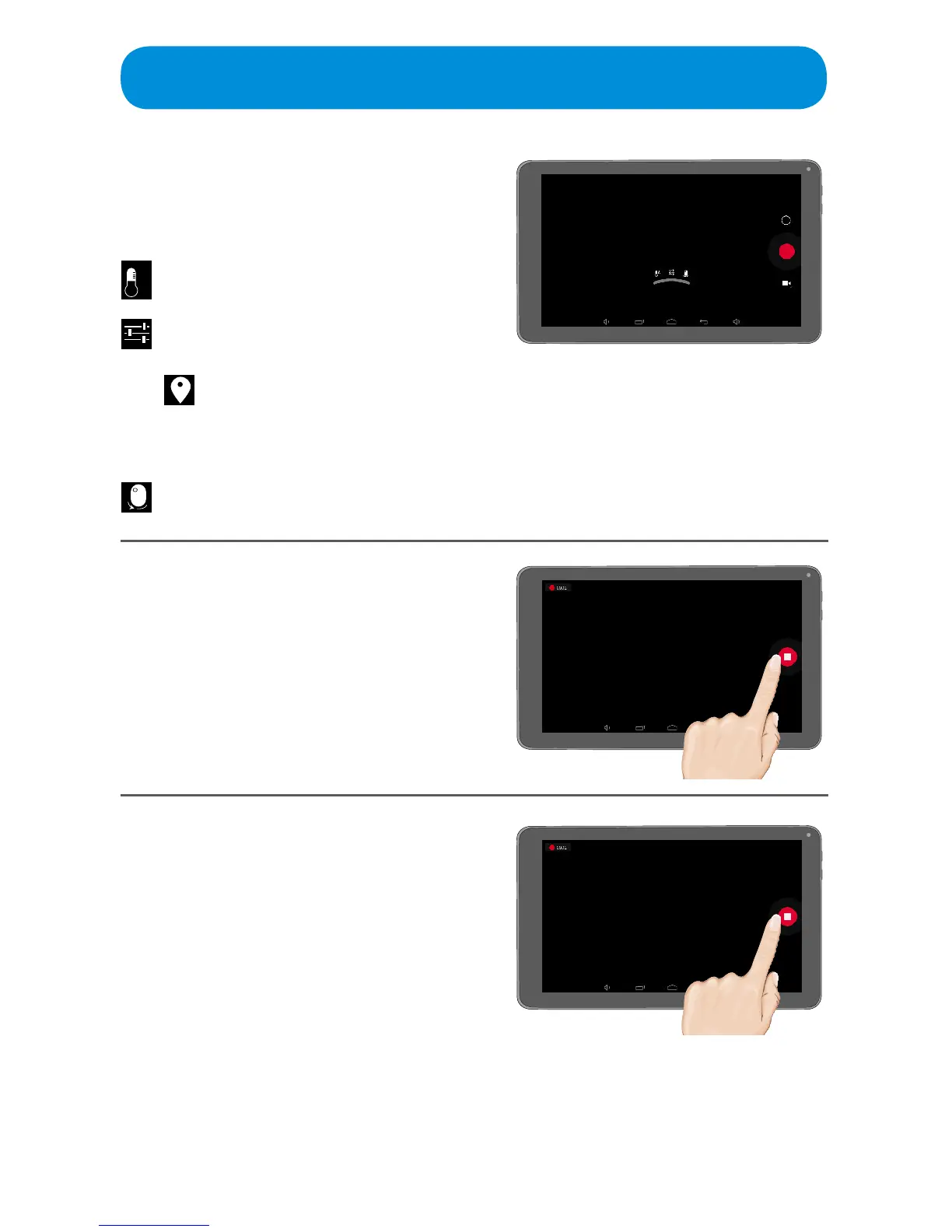
Hold the Tablet steady, and then
tap the n icon to start recording.
7
When done, tap the g icon.
Swipe to the left to view the
photos and videos, see page 44
for more details.
5
Set the desired Video options by
pressing the Z icon and then
setting as follows:
Tap to turn Location Access
OnorO.TurningOnwill
include the location info with
the photo.



 To Next Page