— 31 —
Web Apps
3
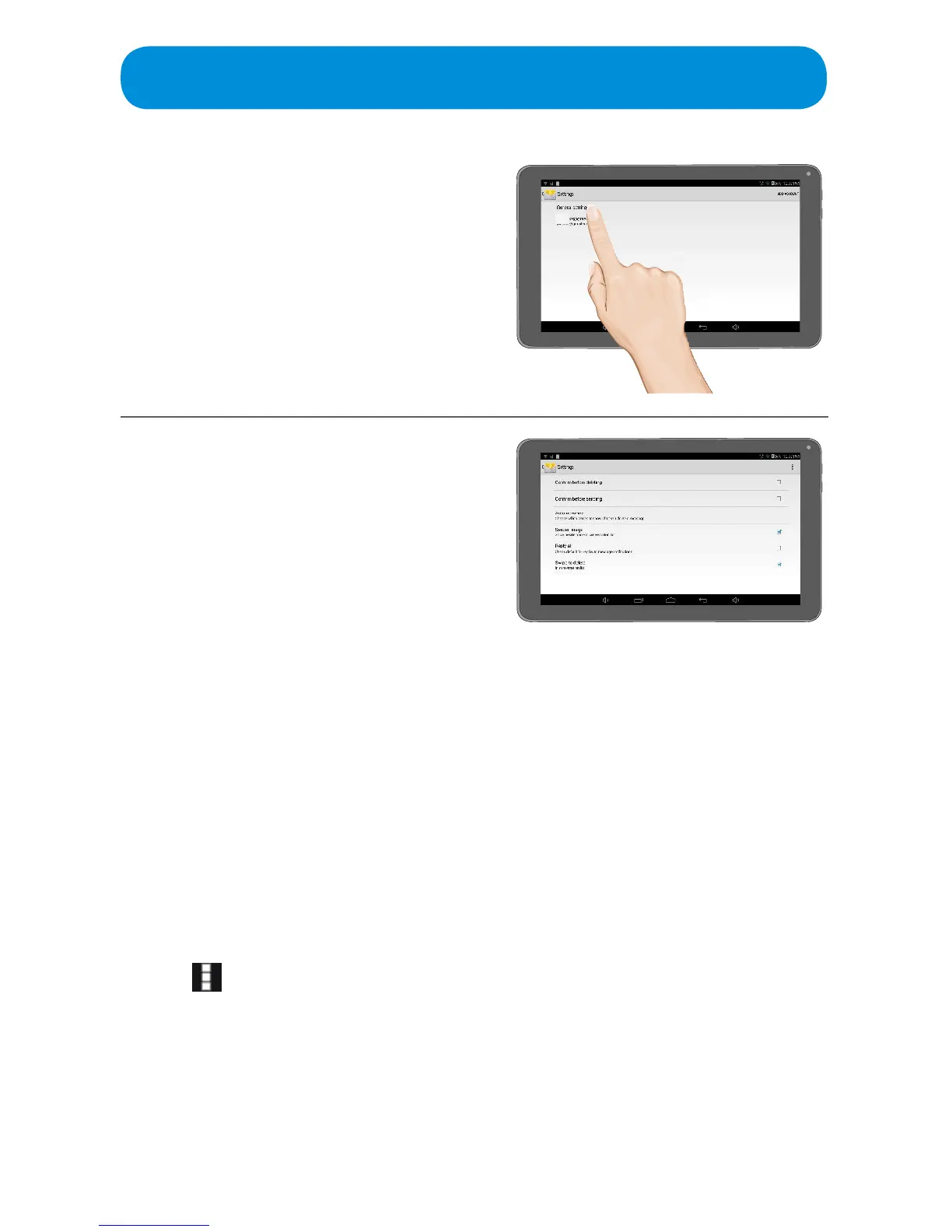
Ta p General Settings.
4
Set the following on this screen:
Conrm Before Deleting: Tap to turn
thisoptionOnorO.
Conrm Before Sending: Tap to turn
thisoptionOnorO.
Auto-Advance: Tap to choose the
screen which will appear after you
delete a message (Newer, Older or
Conversation List).
Sender Image: Tap to turn this option
OnorO.SelectOnandthesender’s
image will appear next to the name.
Reply All: Tap to turn this option On or
O.SelectOnandReplyAllwillbethe
default when replying to emails.
Swipe to Delete: Tap to turn this
optionOnorO.SelectOnandyou
can swipe to delete an email.
Tap the icon at the top right of the
screen to Select Clear Picture
Approvals which will stop displaying
images from senders you previously
allowed.



 To Next Page