— 34 —
Web Apps
4
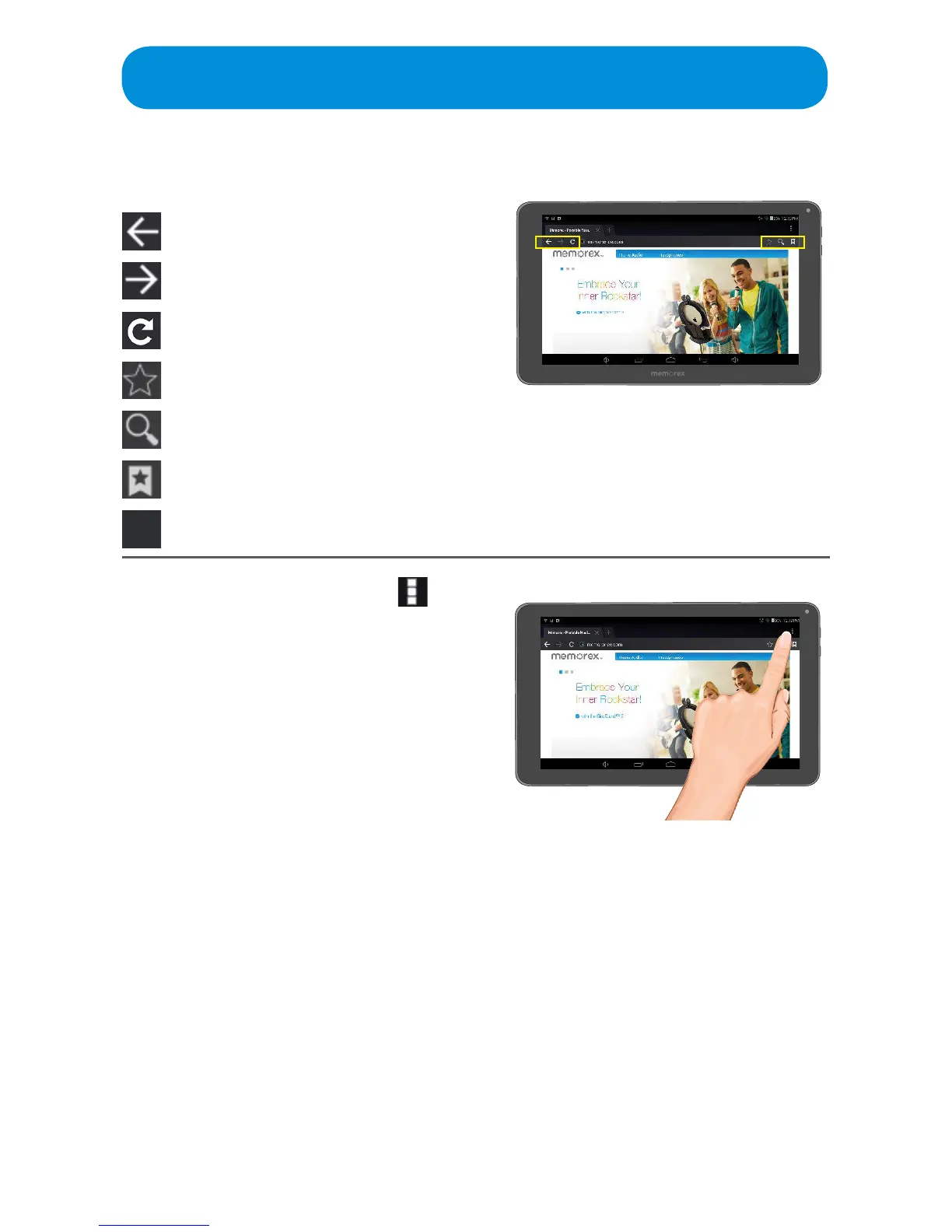
Browser icon descriptions:
Go Back
Go Forward
Refresh Page
Add current page to Bookmarks
Search
View Bookmarks. Ta p one to go to it.
Add Tab
5
Browser Options: Tap the icon
at the top right to bring up the
Browser Options and set as
follows:
Refresh: Tap to refresh the page
Forward: Tap to go to the next page
New Incognito Tab: Tap to open a new
Browser window and browse in Private
mode.
Share Page: Tap to share the page via
Email, etc.
Find on Page: Tap to search the page
foraspecicword.
Request Desktop Site: Tap to attempt
to view the standard website instead of
the mobile website.
Page Info: Tap to view info of the page
suchastheURL,Certicate,etc.
Settings: Tap to change the Browser
Settings, see the following page.



 To Next Page