— 38 —
Camera/Video App
4
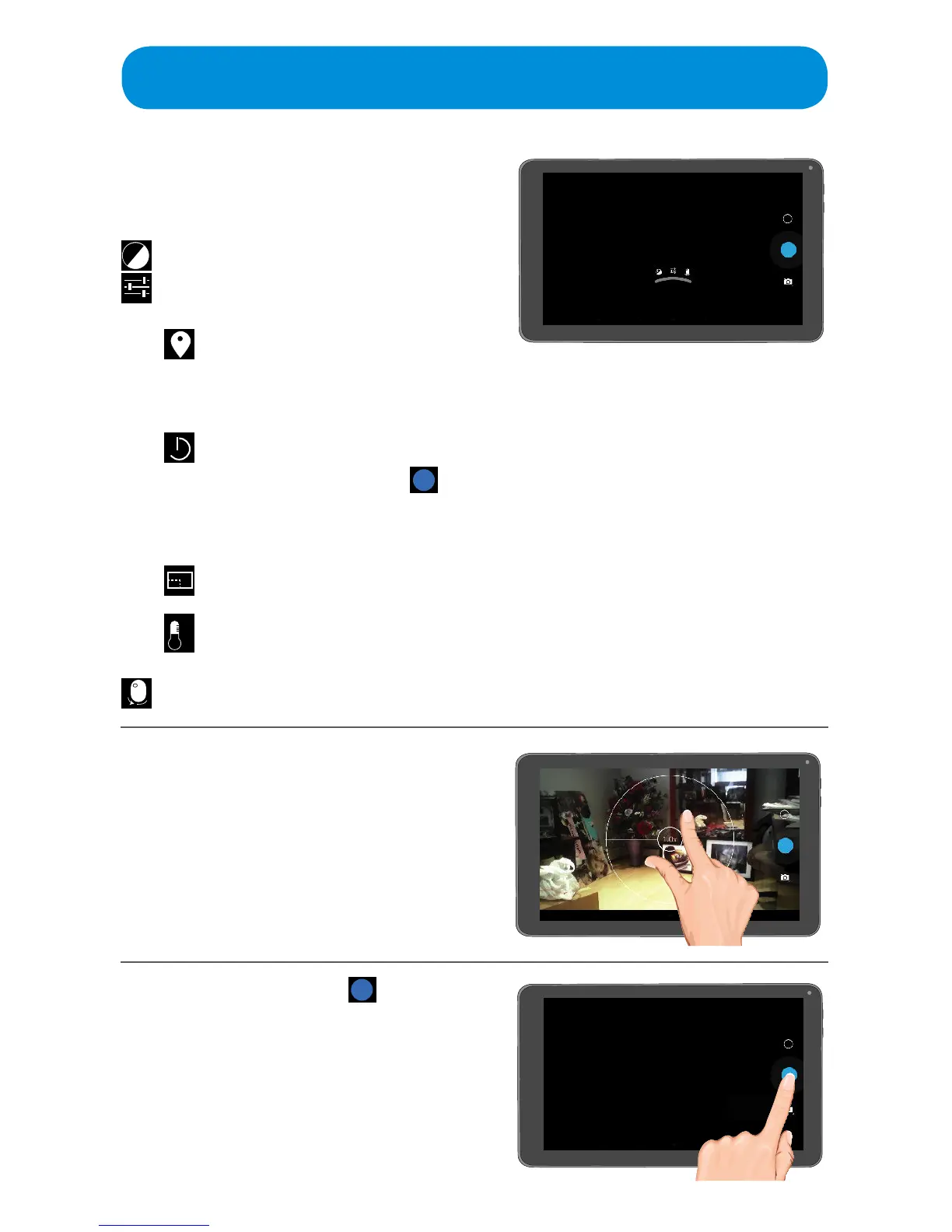
Set the desired Camera options by
tapping the Z icon (or tapping and
holding the screen) and then setting
as follows:
–
Tap to set the desired exposure.
Tap to set the following:
Tap to turn Location Access
OnorO.TurningOnwill
include the location info with
the photo.
Tap to enable the countdown
timer. When set, tap Done and
when the Shutter icon is
tapped, the unit will countdown
and then take a picture.
Tap to set the desired picture size
(2M Pixels or SVGA).
Tap to set the desired white
balance.
Tap to switch between the front and
rear cameras.
5
Pinch and sweep to Zoom in or
out of the picture.
6
When ready, tap the icon to
take a photo.
Swipe to the left to view the
photos and videos. See page 42
for details.



 To Next Page