— 45 —
Camera/Video App
4
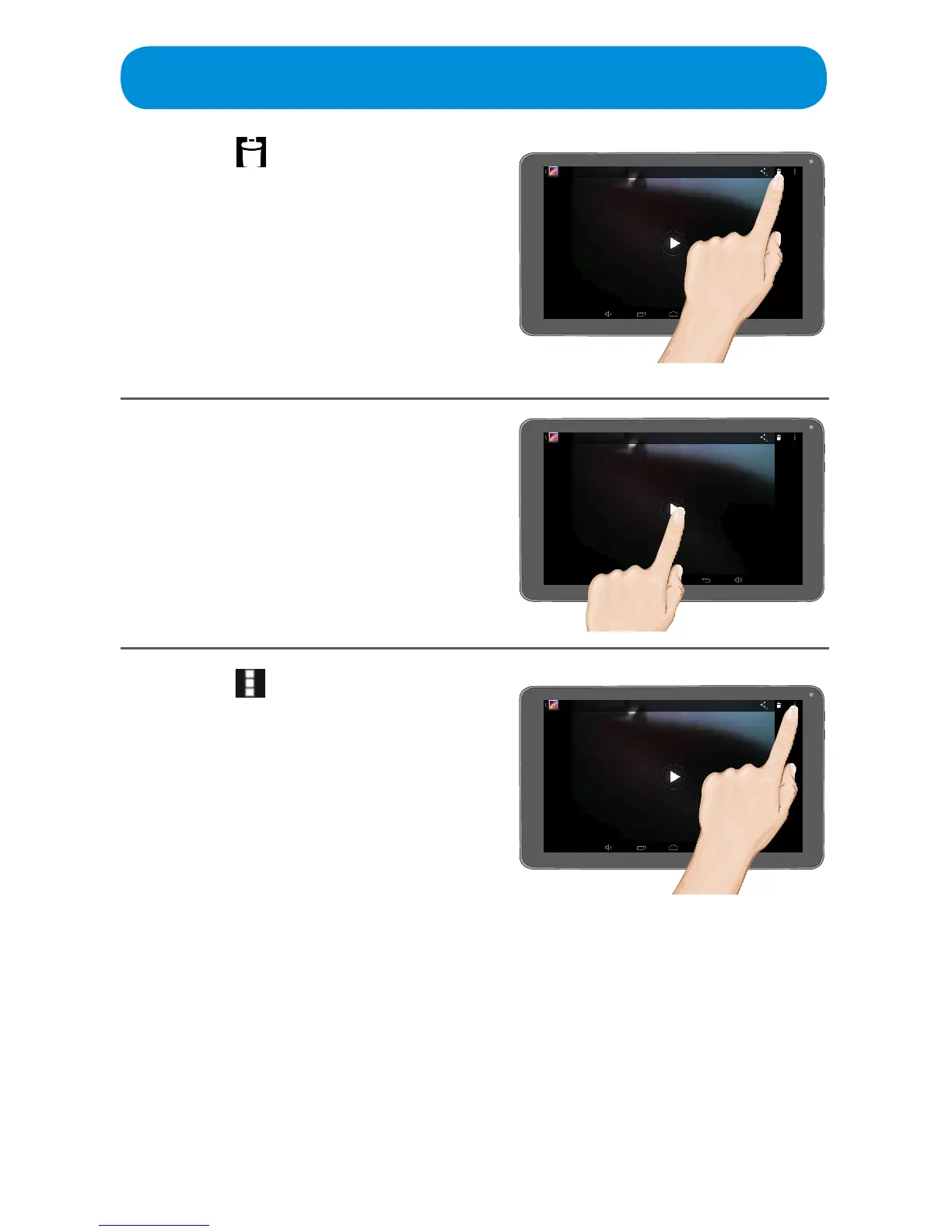
Ta p the icon to delete the
video.
5
Ta p the 4 icon to play the video.
When the video is playing, tap
the screen to view the on-screen
controls to Rewind, Forward,
Pause and more.
6
Tap the icon at the top right of
the screen to bring up two more
options as follows:
Trim: Ta p this to trim the
beginning or end of the video as
desired. When done, tap SAVE.
Details: Tap to view details of
the photo such as File Size, Title,
Duration and more.



 To Next Page