10 – LARGE VOLUME
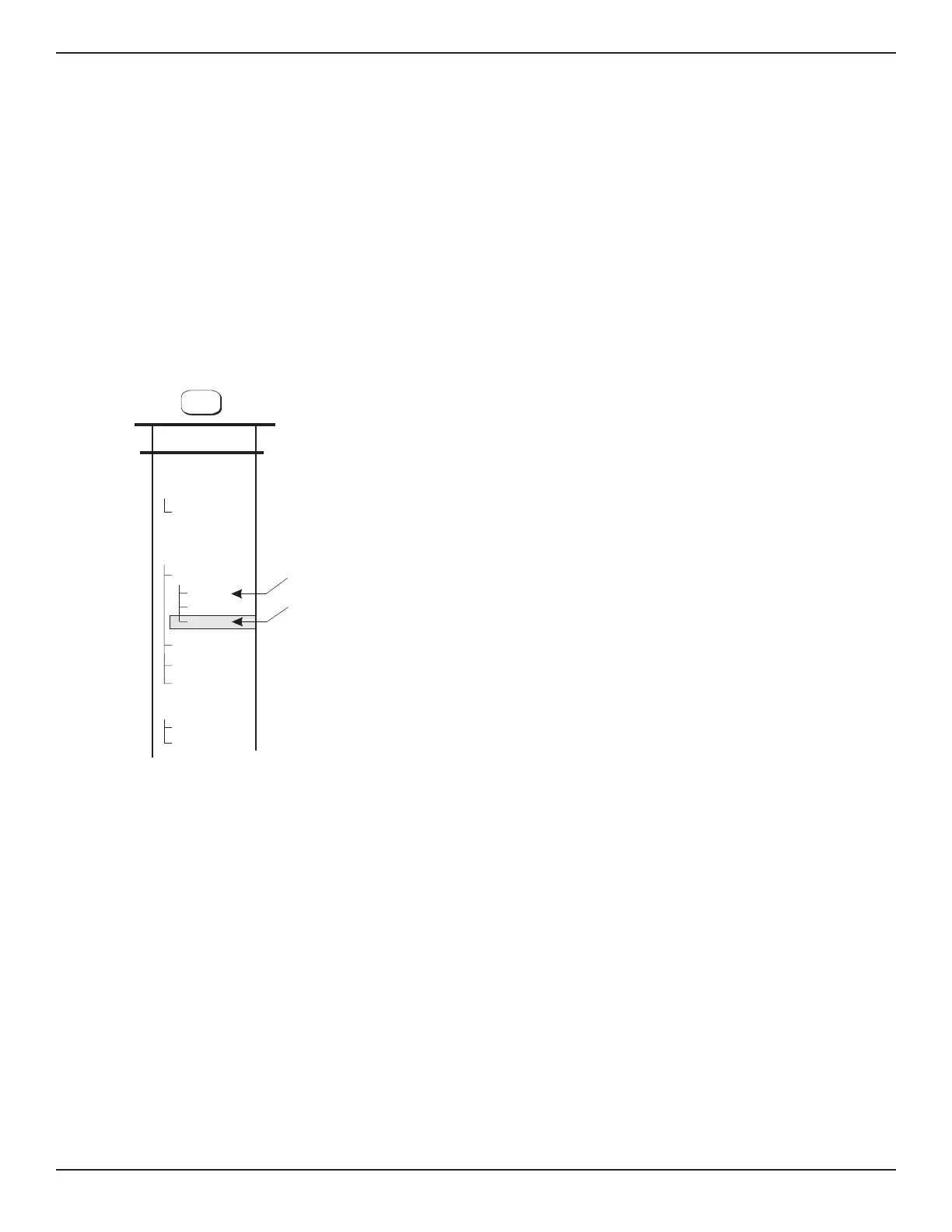
For operation with volumes of 1000 cubic inches
or over with this option installed, step through the
menu path of LIMITS>CONTROL LIMITS>CONT
MODE>OPTION. This will optimize the PCS 400
control algorithm for operation with volumes up to
1000 cubic inches. To switch back to normal vol-
ume operation select NORM (the default mode)
from the same menu path. See figure 8.8 for large
volume option with <1000 cc’s external, and figure
8.9 for large volume option with >1000 cc’s exter-
nal.
ACTIVE
XDUCER
AUTORANGE
%AVG
FILTER
WINDOW
3
LIMITS
CONT MODE
NORM
RATE
OPTION
CONTROL
PRESS RATE
MIN CONT
MAX CONT
CONTROL
LIMITS
LARGE VOLUMES
SMALL VOLUMES
OPTIONS PCS 400
8-12 www.mensor.com



 To Next Page