28
SYSTEM
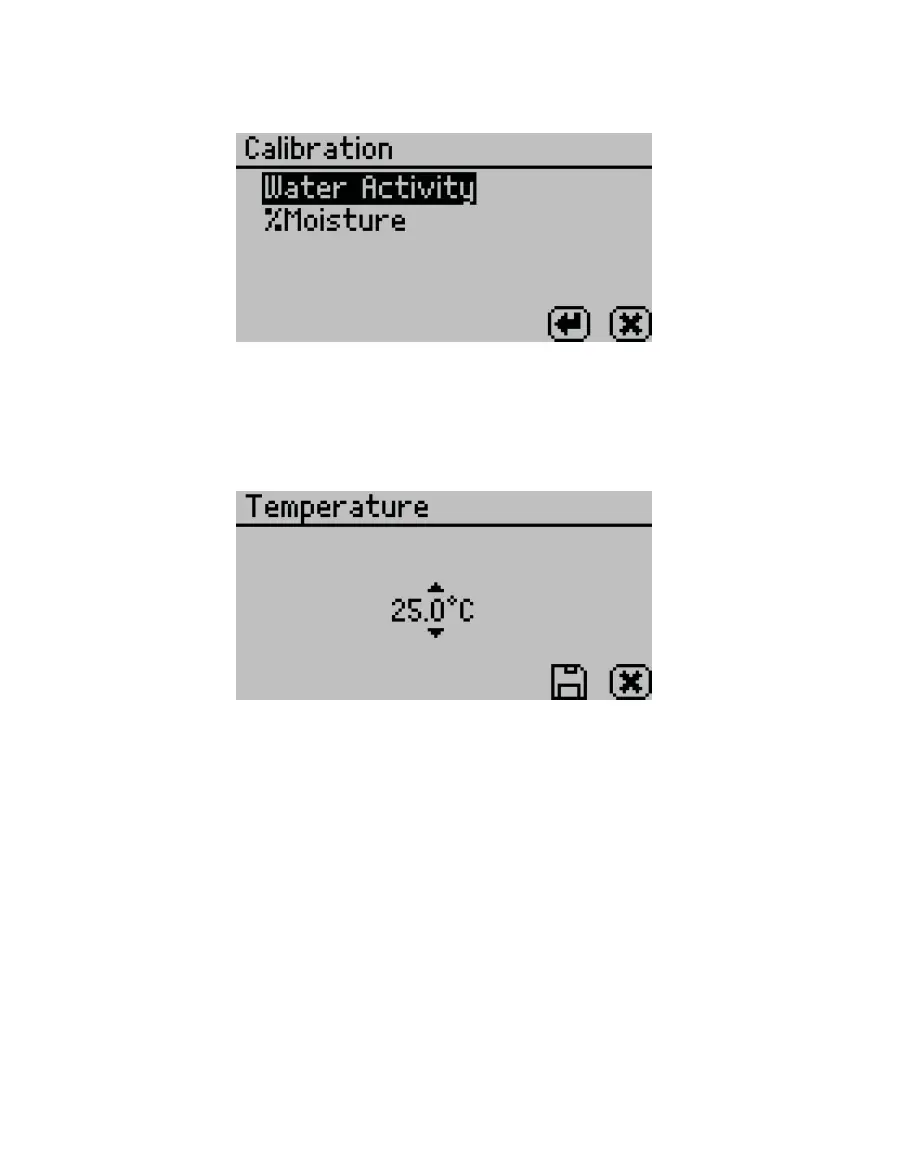
• Calibration. Select to start the calibration process (Section4.1) for water activity or
moisture content (Figure37). Resetting factory defaults is described in Section4.1.4.
Figure37 Calibration option
• Temperature. Select to set the AQUALAB to the desired temperature using UP and DOWN.
When finished, select SAVE (Figure38).
The AQUALAB 4TE models may be set between 15 and 50 °C in 0.1 °C intervals. The default
temperature is 25 °C.
Figure38 Temperature option
• Temp Eq. Select to set the acceptable temperature difference between the sample block
and the sample before starting a water activity measurement (Figure39).
The range is 0.1 to 4.0 °C. A setting of 4.0 °C begins the measurement when the sample is
<4.0 °C above or below the block temperature. A setting of 0.1 °C begins the measurement
when the sample is <0.1 °C above or below the block temperature.



 To Next Page