29
AQUALAB
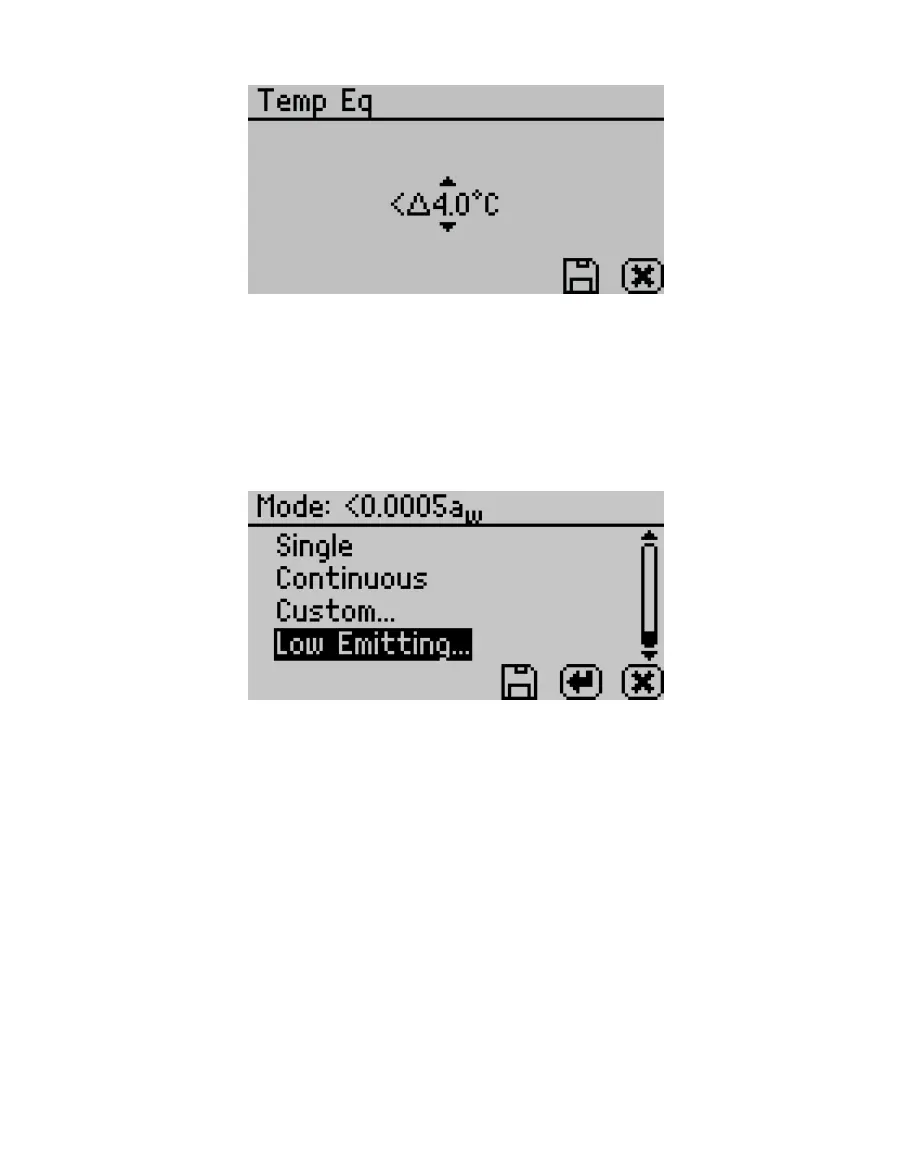
Figure39 Temp Eq screen
• Sensor (AQUALAB 4TEV only). Select to choose a capacitance sensor or chilled-mirror dew
point sensor for sampling volatiles or nonvolatiles, respectively. The AQUALAB 4TE model
only has a dew point option.
• Mode. Select to choose between Single, Continuous, Custom, or Low-Emitting mode
(Figure40). The current mode settings appear at the top of the screen with the number of
tests appearing first, followed by the stability value (∆ a
w
).
Figure40 Custom mode options
Single mode reads the sample once.
Continuous mode reads the sample until the chamber lid is opened or the test is
stopped by selecting CANCEL.
The AQUALAB reads the sample, displays results, and begins another read cycle without
further action from the user. The machine signals the completion of each reading with a
beep. A timer on the screen tracks the cumulative read time.
All readings taken during Continuous mode are saved on the instrument memory if the
autosave feature is turned on (default). If the AQUALAB is connected to a computer using
AquaLink 4 (Section3.3.1), all readings can be downloaded to the AquaLink 4 software.
Custom mode reads a sample multiple times until a set level of stability is achieved. For
example, the instrument could be set to read the sample until two consecutive tests are
within ±0.001 a
w
of each other.
Use RIGHT and LEFT to change between the Readings or ∆ a
w
settings.
Use UP and DOWN to change to select the number of readings (2 to 9).



 To Next Page