31
AQUALAB
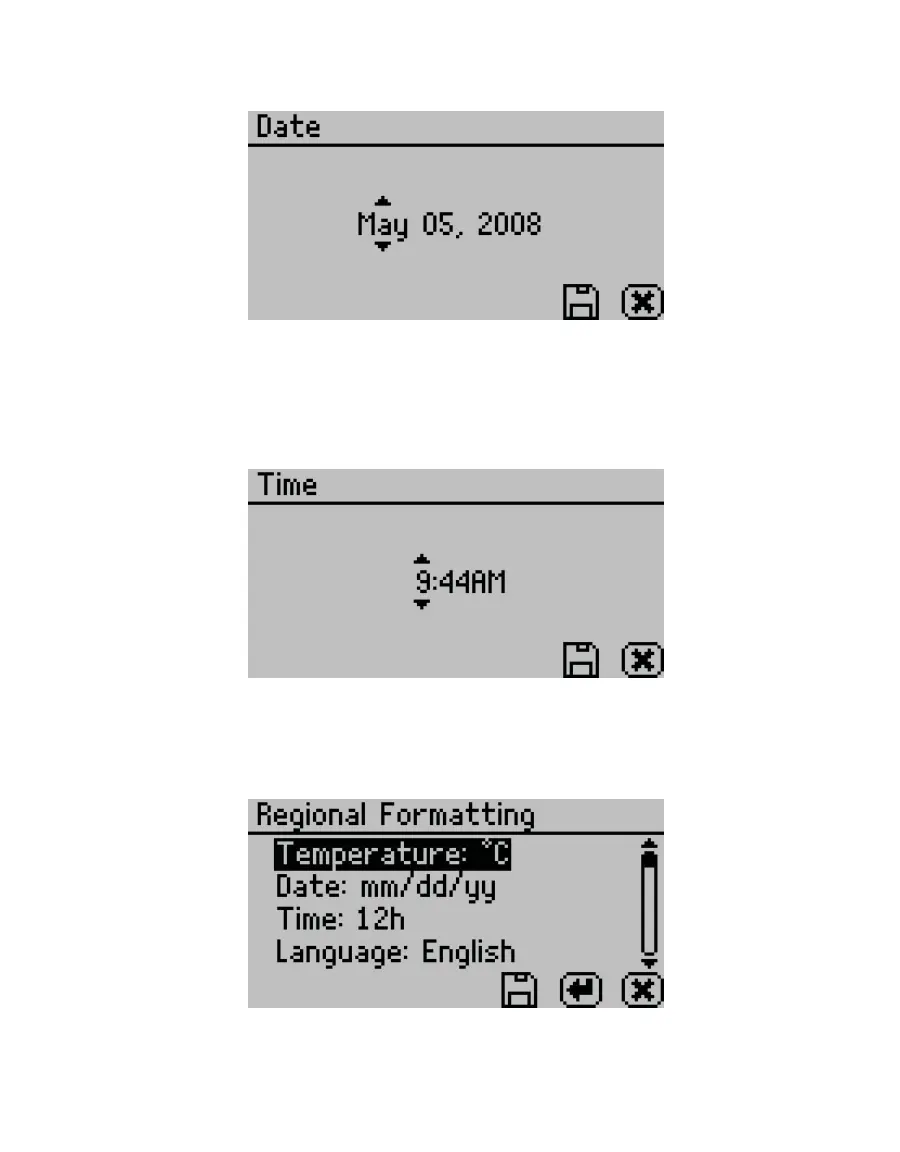
The date is recorded with each water activity reading.
Figure43 Date option
• Time. Select to set the time in the instrument. Use RIGHT and LEFT to change between the
hour and minute categories and UP and DOWN to change the individual values (Figure44).
The hour setting automatically changes between AM and PM.
The time is recorded with each water activity reading.
Figure44 Time option
• Regional Formatting. Select to configure how the AQUALAB displays information. Choose
the temperature scale (Celsius or Fahrenheit), the date display (mm/dd/yy or dd/mm/yy), the
hour format (12h or 24h), and the language (Figure45).
Figure45 Regional Formatting option
• Admin Settings. Select to create an administrator password as well as create, edit, and
delete additional users (Figure46).



 To Next Page