32
SYSTEM
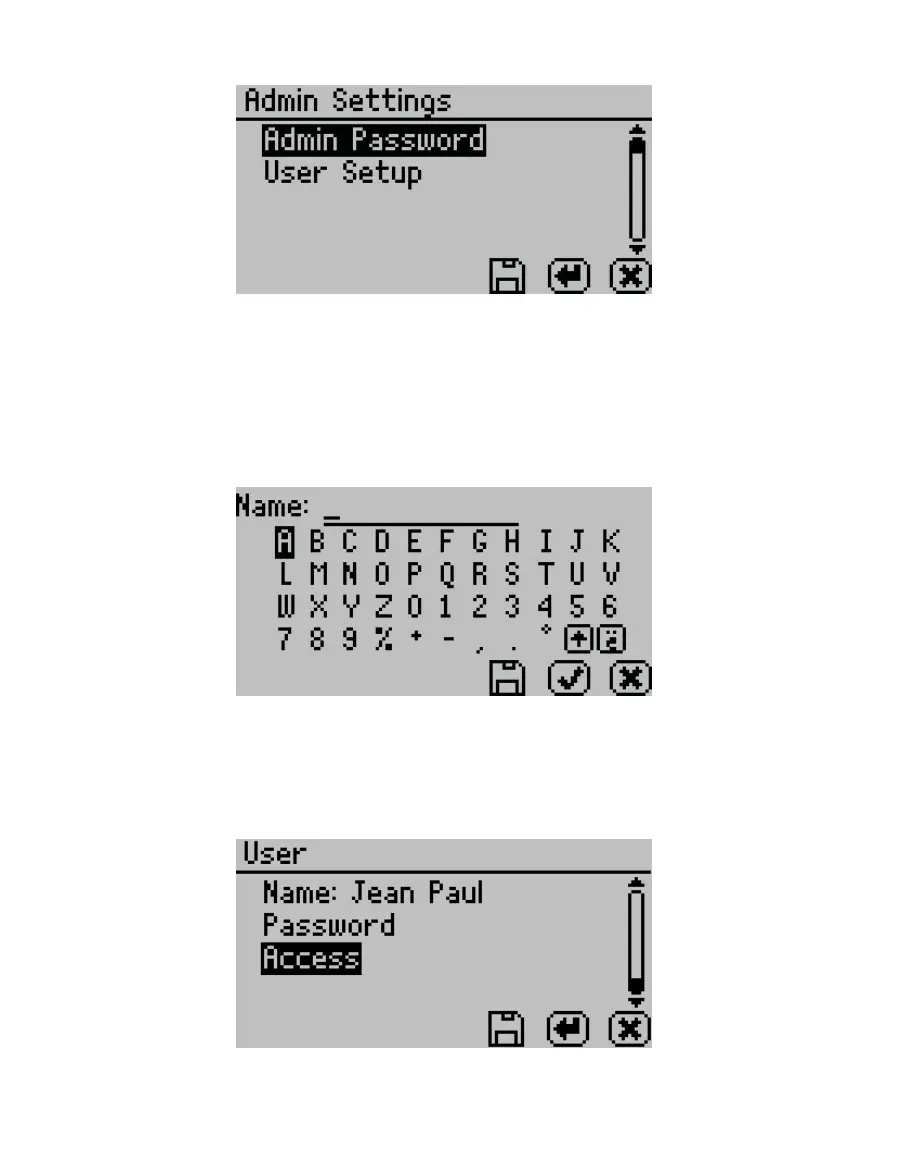
Figure46 Admin Settings option
The Admin Settings allow the administrator to grant or block access to some or all the
configuration options.
NOTE: Once the administrator is set up, the password cannot be recovered. The AQUALAB must be sent back to
METER to be reset.
Administrators can add, edit, or delete users from the User Setup screen. The keyboard
allows for lowercase, uppercase, and accented letters (Figure47).
Figure47 Keyboard screen
NOTE: User setup is not required for instrument operation. It is for users requiring 21 CFR Part11 compliance or who
want to save specific settings.
Once the administrator and users are set up, an Access option will appear on individual
user screens (Figure48).
Figure48 Access option on a user screen



 To Next Page