38
ZENTRA SOFTWARE
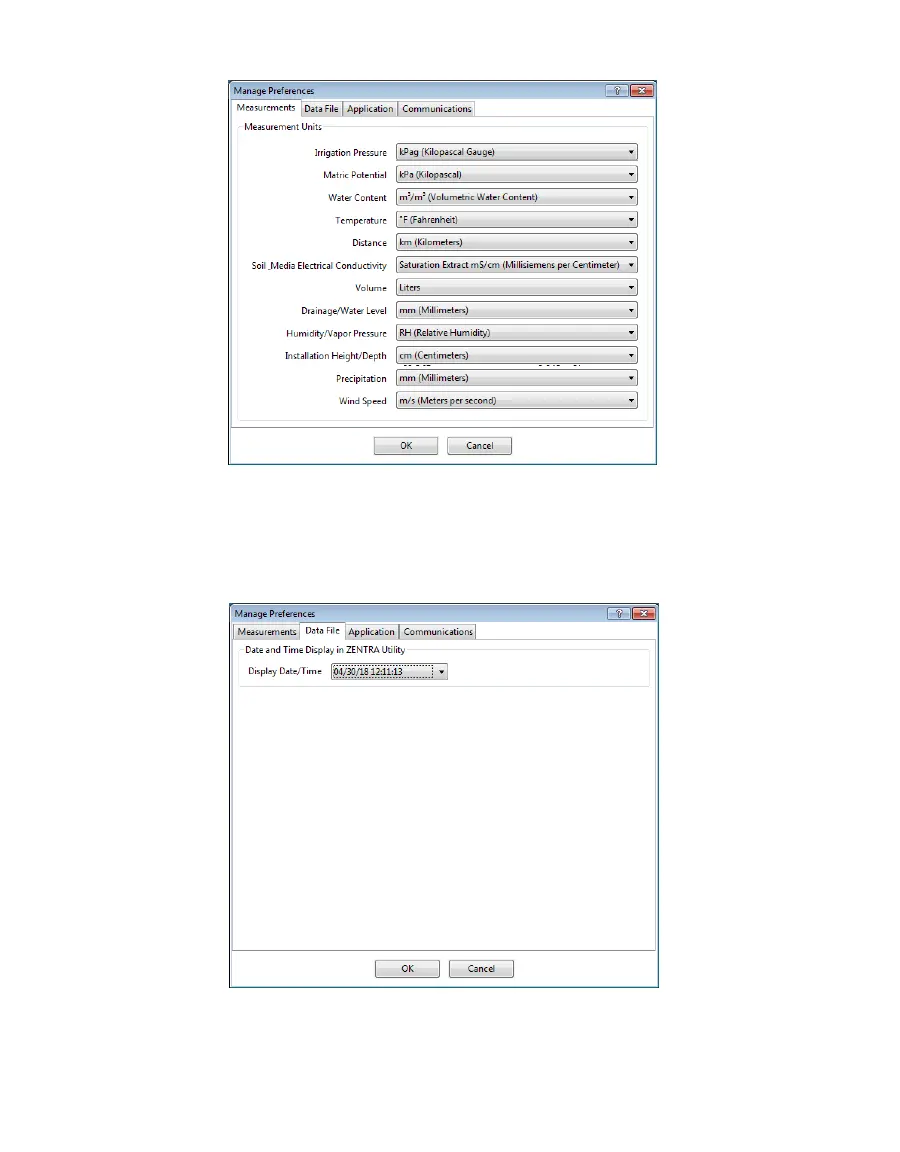
Figure26 Measurements tab
• Data File Tab (Figure20):
Date and Time Display in ZENTRA Utility: Change the format of date and time values
by selecting an option from the dropdown menus. This controls how date and time
are shown in ZENTRA Utility display and in the downloaded files.
Figure27 Data File tab
• Application Tab (Figure21):
Automatic Internet Version Check: Select the checkbox to automatically be notified
when a new ZENTRA Utility version becomes available. Updates can be searched for



 To Next Page