39
ZL6
manually at any time in the Help menu.
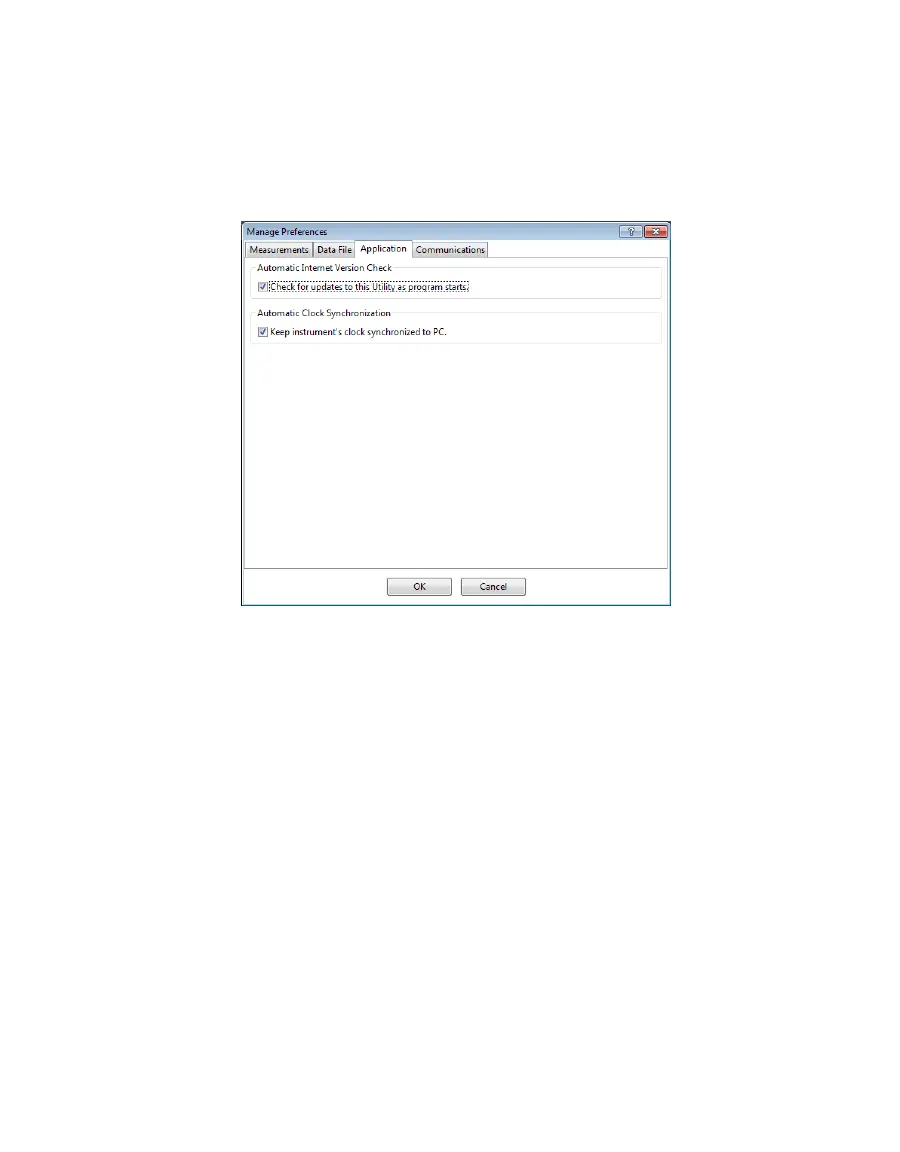
Automatic Clock Synchronization: Select the checkbox to keep the device clock
synchronized with the connected computer clock. The date and time can also be
updated by using the Actions menu.
If the computer will not always have the correct time zone setting for the logger
sites, deselecting this option will not override the setting in the logger.
Figure28 Application tab
• Communications Tab (Figure22):
Device Commands Retries: Modifies the number of times ZENTRA Utility sends
commands to a logger.
Extra Response Time: Modifies the length of time ZENTRA Utility waits for a
response from the logger.
Communication Ports List: Enable this option if the USB device does not appear in
the Connect dropdown list.
NOTE: Enabling this option may also find COM ports that are unavailable for use by ZENTRA Utility.
Power Noise Filter: Set the Power Frequency to eliminate electrical noise that
comes from an AC power distribution system.
In North America and most of Asia, the frequency of the power cycle is 60 Hz (the
default value); in most of Europe it is 50 Hz. This feature only needs to be set once,
and the program will automatically update each connected device filter.



 To Next Page