40
ZENTRA SOFTWARE
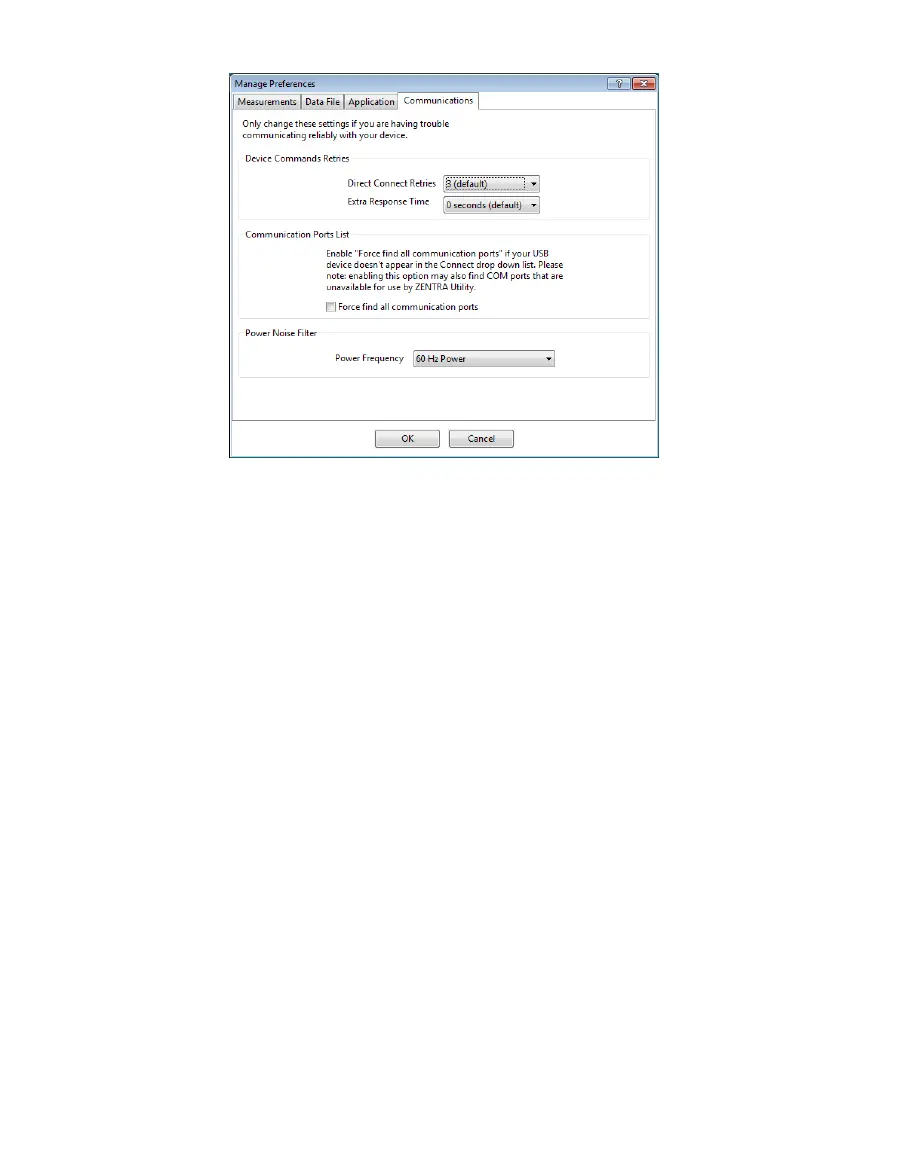
Figure29 Communications tab
ACTIONS MENU
The Actions menu is the primary menu for configuring and testing the ZL6 series logger.
• Select Sensors: Displays the Sensor Configuration tab in the Manage Settings dialog
(Section4.2.5.1).
• Set Device Time: Instructs ZENTRA Utility to set the ZL6 time and date according to the
time and date on the computer.
• Digital Sensor Terminal: Sends commands through the ZL6 logger to a compatible METER
digital sensor.
This feature can be used to troubleshoot the sensor by sending SDI-12 digital sensor
communication commands. See respective sensor documentation for additional
information on SDI-12 commands.
• Test: Evaluates the ZL6 logger wireless signal (Section2.2.2).
• Cellular Configure: Displays the Communication Settings tab in the Manage Settings dialog
(Section4.2.5.1).
• List Cellular Carriers: Queries the cellular module in the ZL6 logger for a list of carriers it
detects. This is useful when trying to troubleshoot cellular connection problems.
NOTE: The ZL6 may not be authorized to operate on any or all the carriers listed.
• Device Information: Displays the Device Information tab in the Manage Settings dialog
(Section4.2.5.1).
• Device Location: Displays the GPS Location tab in the Manage Settings dialog
(Section4.2.5.1).



 To Next Page