■■■■■■■■■■■■■■■■■■■■■■
3 Carrying out simple titrations
900 Touch Control
■■■■■■■■
19
3
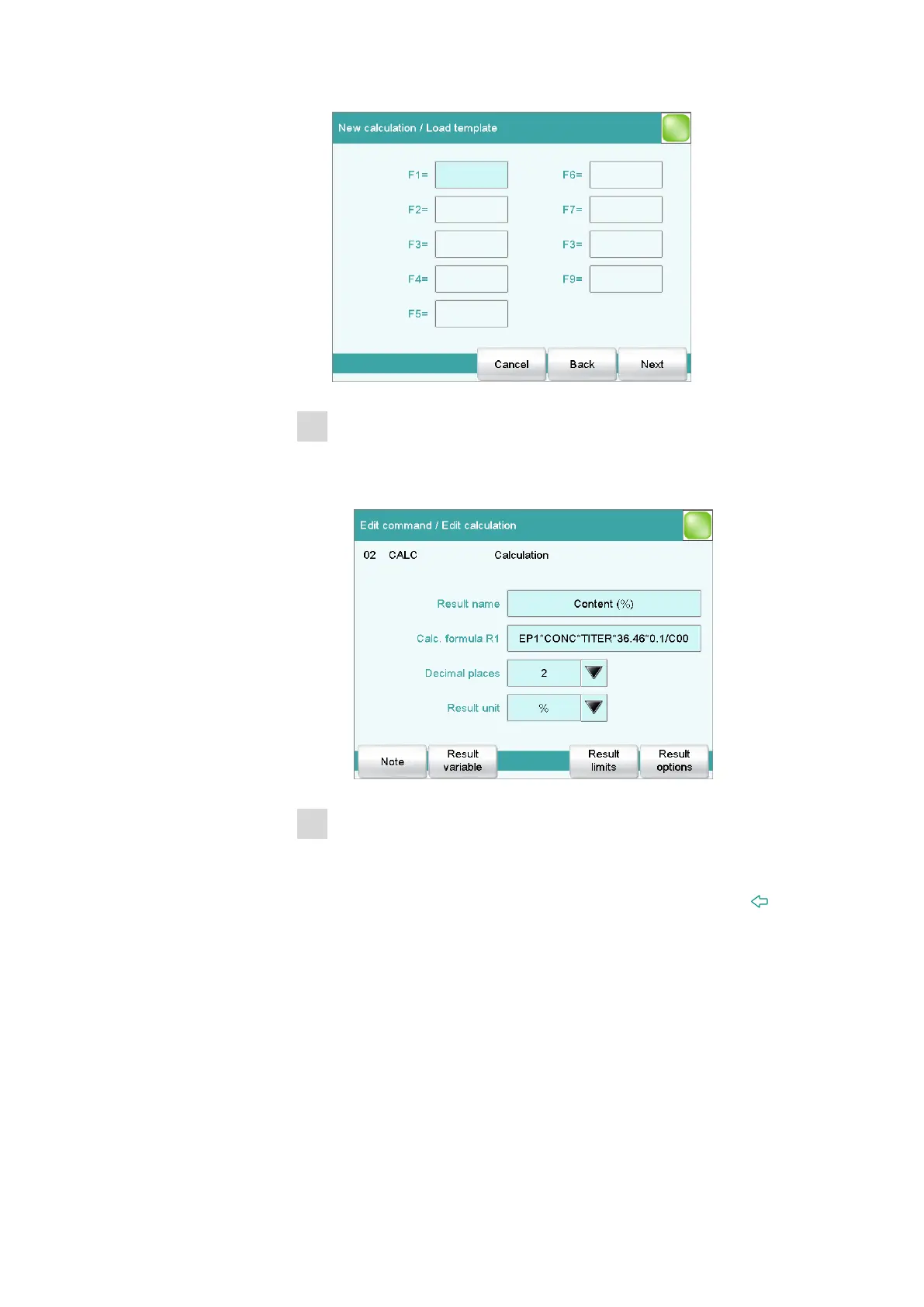
Defining the molar mass
■ Tap on the input field F1=.
■ Enter the molar mass of the sample and confirm with [OK].
■ Tap on [Next].
4
Defining the result properties
Now you can change the specifications for the result calculation (e.g.
result name or the number of decimal places).
■ Close the dialog for the calculation by tapping twice on [ ]. You
will now see once again the dialog with the three commands.















 To Next Page