3.1 Creating a titration method
■■■■■■■■■■■■■■■■■■■■■■
20
■■■■■■■■
900 Touch Control
Defining the report output
1
Opening the report command
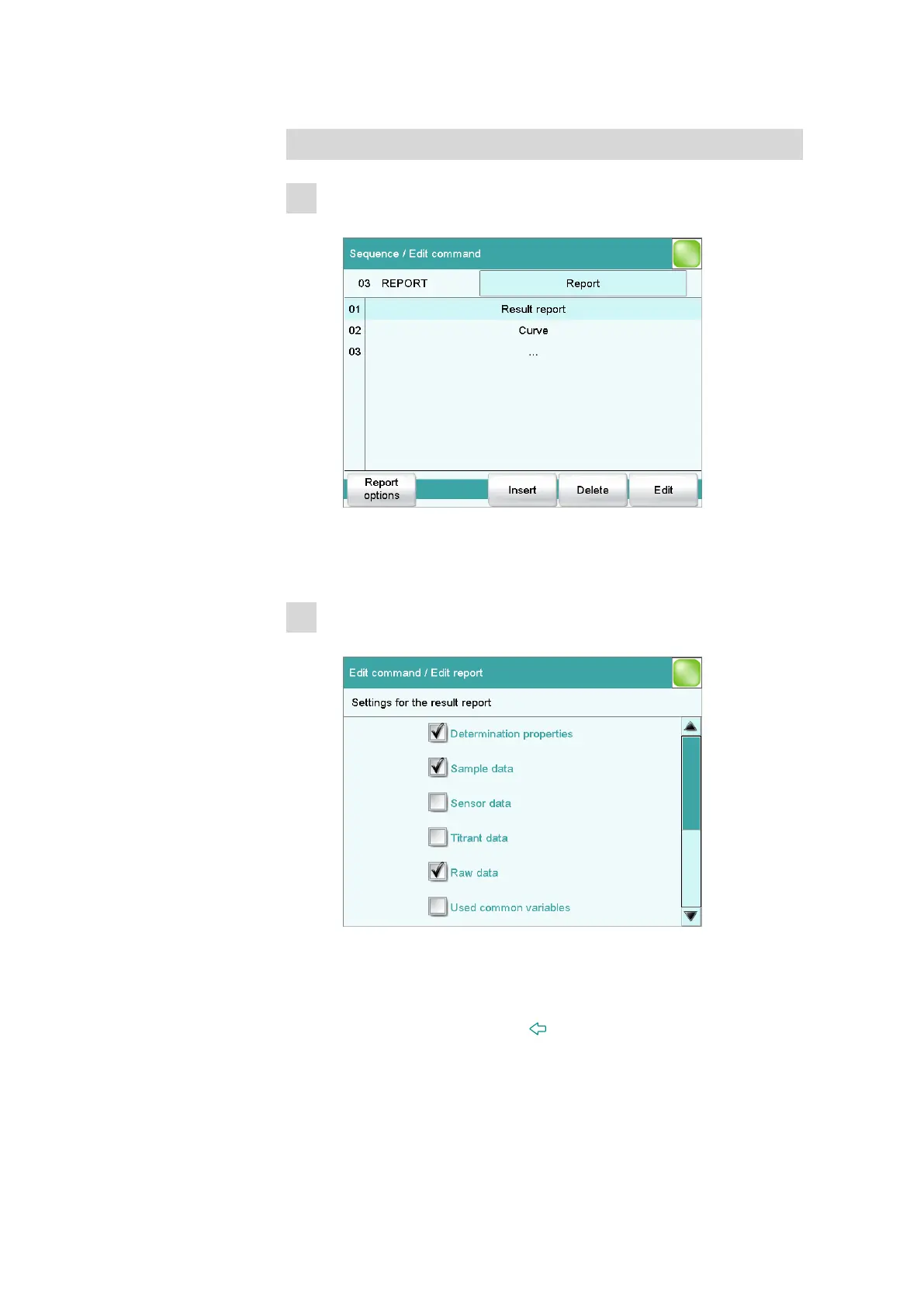
■ Select the REPORT command and tap on [Edit command].
Two reports are already specified. According to these parameters,
a result report and a titration curve will be printed out automati-
cally after each determination.
2
Modifying the result report
■ Select Result report and tap on [Edit].
Here you can select the data which will be printed in a result
report.
■ Select additional data (e.g. Sensor data and Titrant data) by
tapping accordingly.
■ Close the dialog with the [ ] fixed key.















 To Next Page