Disassembly/assembly and adjustments
40 © Meyn Food Processing Technology B.V.
7.2.2.1 Top cam
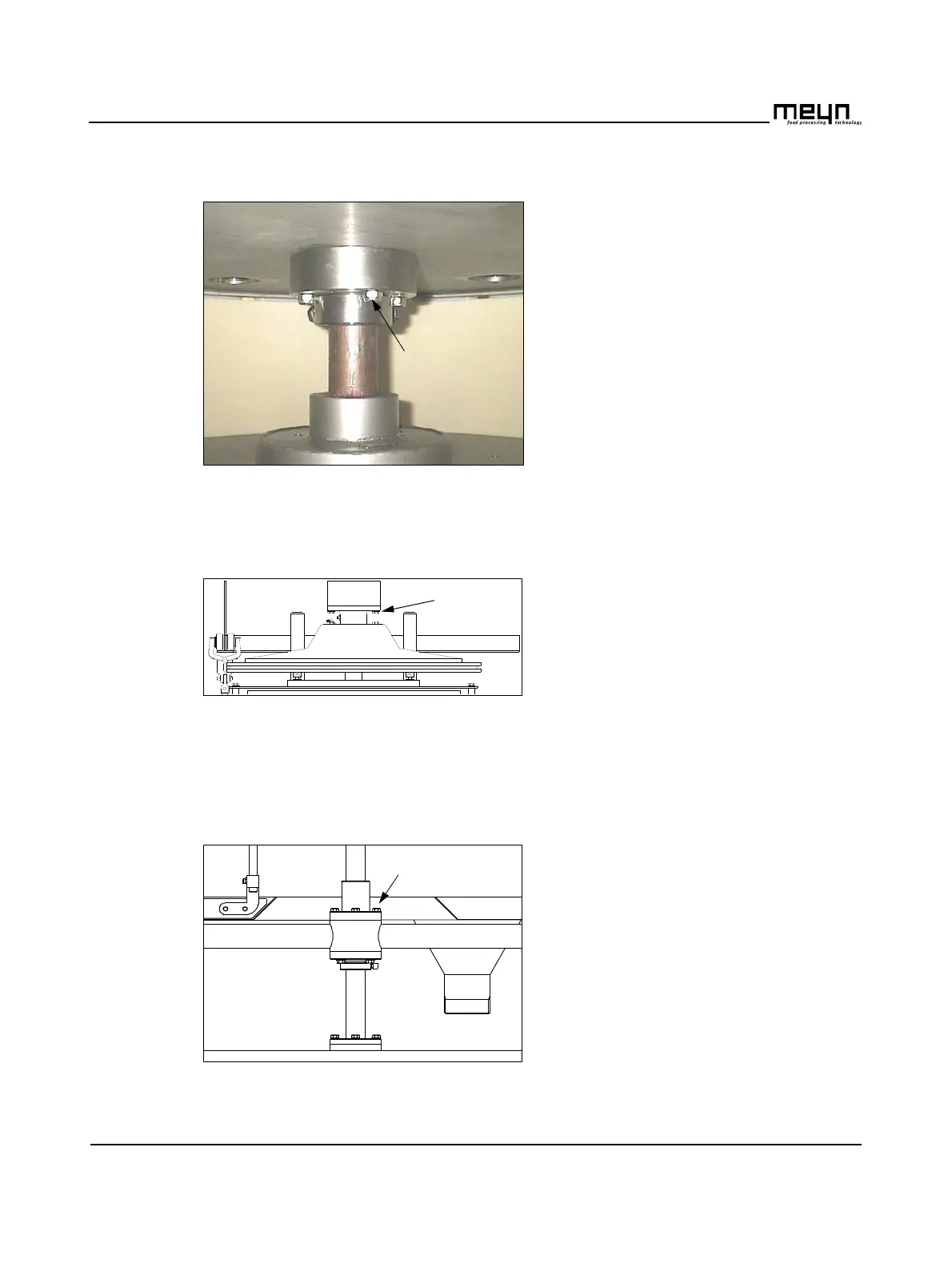
Figure 7.9 Adjust the top cam
Adjust the top cam.
• Remove one top unit to allow access
to the bottom of the cam.
See section 7.2.10.
• Loosen four nuts (A).
• Turn the cam in the desired position.
• Tighten the nuts.
7.2.2.2 Knife unit cam
Figure 7.10 Adjust the knife unit cam.
Adjust the knife unit cam.
This cam is mounted on the main shaft
with a key. In order to change the position
of this cam the main shaft has to be
turned.
• Loosen four bolts (A).
• Loosen four nuts (B).
• Turn the cam in the desired position.
• Tighten the bolts (A) and nuts (B).
Figure 7.11 Adjust the knife unit cam.



 To Next Page