4.3 Re-connecting the Power Module
This operation can be performed without interrupting the load.
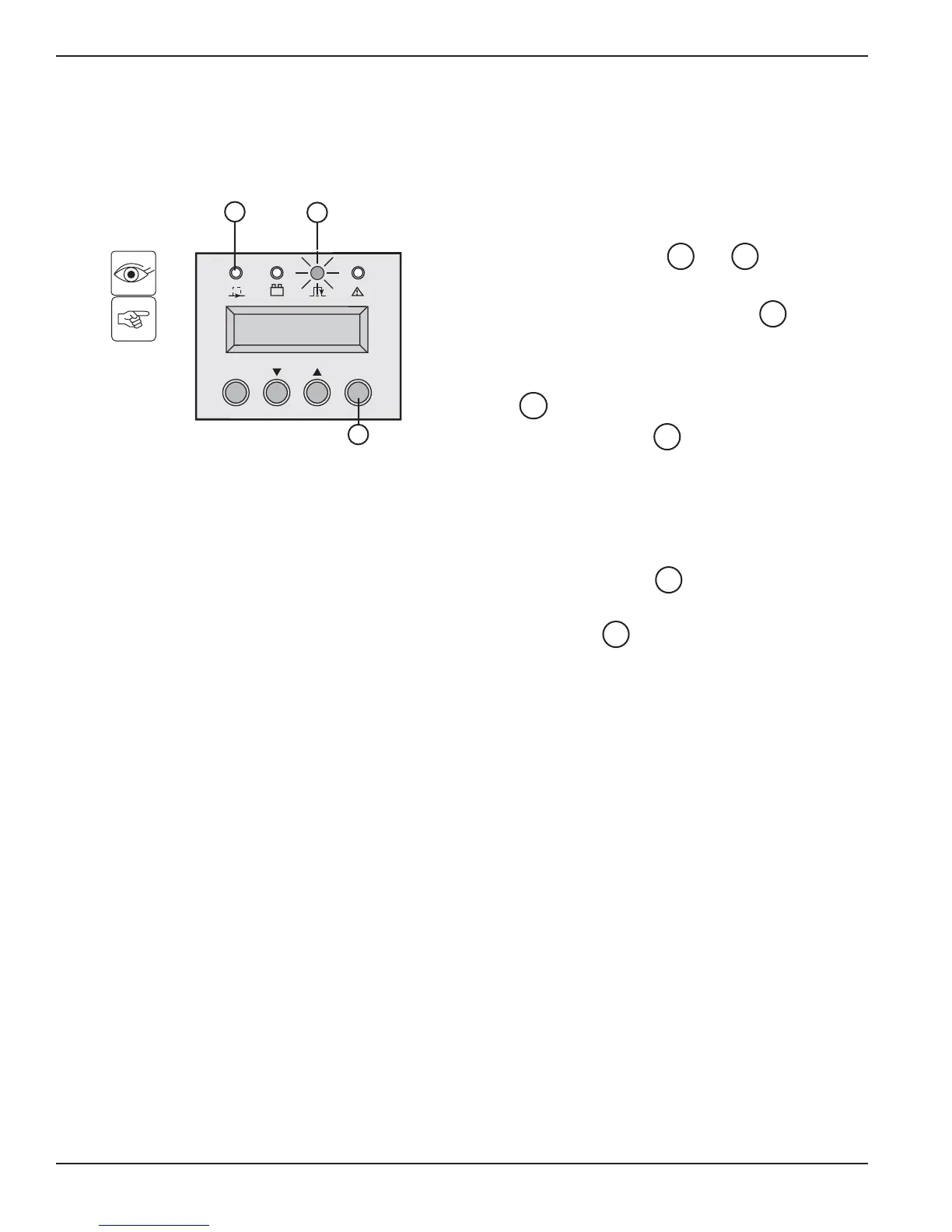
Figure 4-2: Reconnect the Power Module.
EX 5/7/11RT Systems
Maintenance4 — 4 86-86000-00 B00
1. Secure the Input/Output box using the three
screws.
2. Reconnect the cables and to the
Power Module.
3. Switch the battery circuit breaker(s) to
the ON position.
4. Check if Normal AC source circuit breaker
is on the ON position.
5. Check that the LED is ON.
6. Turn the manual bypass switch from the
BYPASS to the NORMAL position.
7. Follow initial start up sequence (see section
3.1) in order to personalize the UPS.
8. Push the ON button for more than 3
seconds.
The green LED is ON, and the connected
equipment is now protected by the UPS.
15
23
17
8
14
4240





 To Next Page