Operating Instructions - Synchroprint 3000 (Manual-Registration Version)
________________________________________________________________________________
Operating Instructions - Synchrprint 3000 (Manual-Registration Version) V1-1 Page 32 of 49
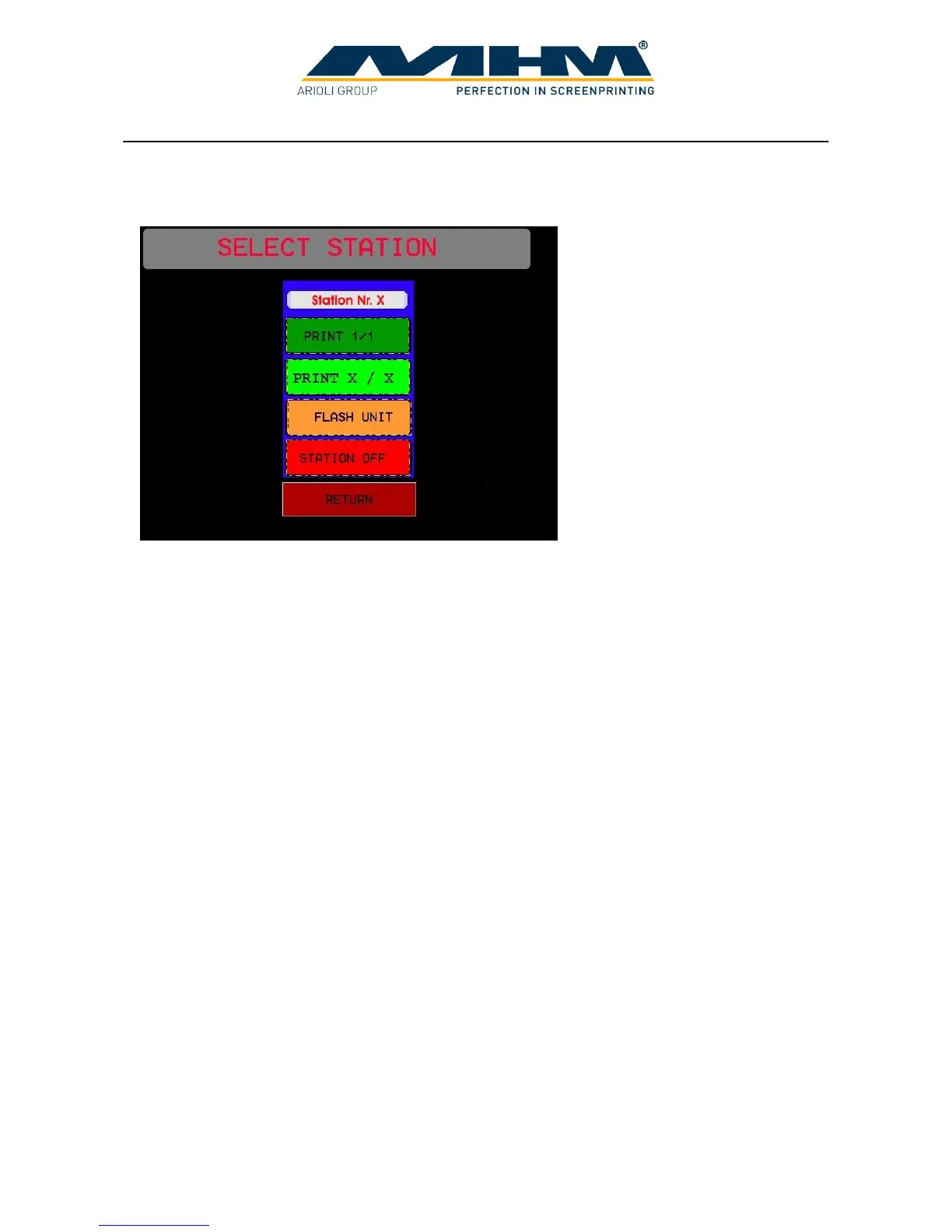
7.5.1. Command screen ‘SELECT STATION’
In this screen the settings for each individual station may be entered.
Station No. (X?) Displays the particular station number selected.
PRINT 1/1 To quickly ‘one touch’ set the print station to one flood/print stroke.
PRINT X / X To enter/switch to a further screen in order to select multiple flood/print
strokes for the station.
FLASH UNIT To enter/switch to a further screen in order to adjust the cycle/drying
time of a flash cure unit if present in the station.
STATION OFF To disable /switch off the station.
RETURN To exit back to the ‘SETUP’ screen without changing the settings.



 To Next Page