EasyManua.ls Logo

Micom 3f - User Manual

Micom 3f
164 pages
Print Icon
To Next Page IconTo Next Page
Loading...
Owner’s Guide
Part I - Operation & Installation
6886867J01A
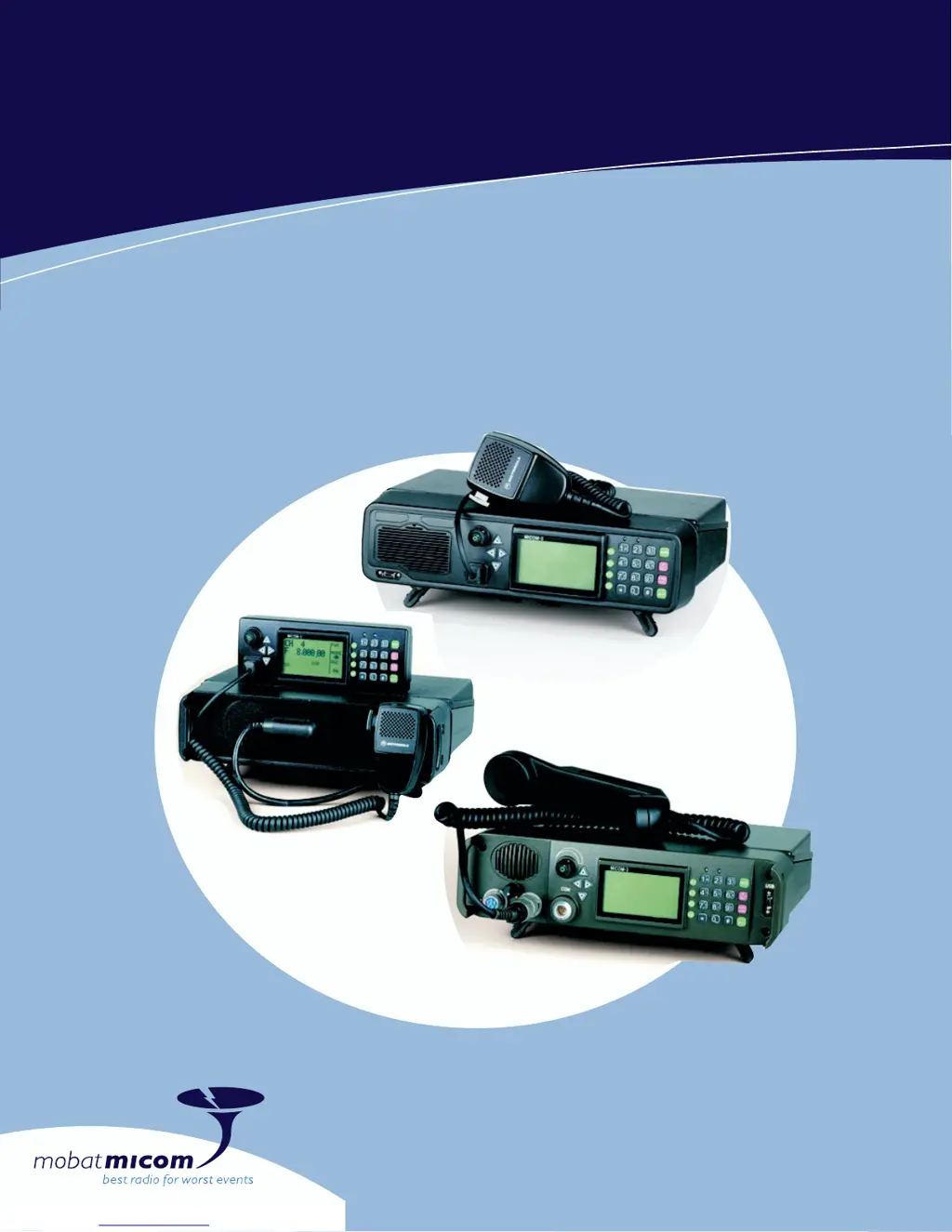
MICOM-3F/3T/3R
HF-SSB Transceivers

Table of Contents

Questions and Answers

  • M
    Michael RodriguezSep 14, 2025
    What does DATABASE FAIL ERROR 15 mean on Micom 3f?
    • C
      Carolyn WheelerSep 14, 2025
      If your Micom Transceiver displays 'DATABASE FAIL ERROR 15', this message will display if the ALE scanned channels don’t match the programmed channels in the RSS.
  • J
    Joanna MendozaNov 17, 2025
    What to do if Micom 3f has poor transmission?
    • D
      Denise SmithNov 17, 2025
      If your Micom Transceiver experiences poor or no transmission, check the following: * Ensure a 30A fuse is installed in the fuse holder located on the red wire of the power cable. * Verify that proper grounding cables are connected from the radio and from the antenna tuner to the vehicle chassis. * While speaking, check RF power bars for activity. The resultant RF power output is displayed in approximately 15 W increments (bars) being added from left to right. If the received signal level (RCVL) indication is low, there may be a problem in the antenna system. If antenna cabling, antenna mast rigging position has changed since the antenna was last tuned, the antenna tuner will not be adjusted automatically. To retune the antenna tuner, scroll to the next channel and thereafter scrol...

Summary

Performance Specifications

Warnings, Cautions and Notes

General Safety Precautions

General safety precautions for operating the radio, including high voltage warnings.

Information for Safe, Efficient Operation

Compliance with RF Energy Exposure Standards

Compliance with RF energy exposure standards for occupational use.

Operational Warnings

Operational warnings for air bags, explosive atmospheres, and blasting caps.

MICOM-3 HF-SSB Radio Features

Basic Operating Instructions

Turning the Radio On and Off

Step-by-step guide to powering the radio on and off.

Transmitting and Receiving

How to transmit voice messages and receive calls, including PTT types.

Locking the Radio

Locking the Radio

How to lock the radio to prevent unauthorized access.

Changing the Password

Procedure for changing the radio's access password.

Using Automatic Link Establishment (ALE)

ALE Capabilities and Features

Overview of ALE features like scanning, sounding, and LQA.

ALE Programming

ALE Programming

Configuring ALE parameters for various features.

Programming Nets

How to set up and configure ALE nets and members.

Directory Parameters

Preparing the ALE address list by adding and editing station addresses.

Using the VP-116 Mini Voice Privacy Unit

Programming the VP-116 Unit from the MICOM-3

How to program the VP-116 unit using the MICOM-3.

Using the Vocoder

Programming the Vocoder

How to program vocoder keys and display information.

Using the MICOM-3 GPS Receiver

Sending Your Position;GPS Position Requests

Sending and requesting position data using ALE AMD service.

Installation

Base Station Installation

How to install the radio as a base station using AC power.

MICOM-3 R Installation

Step-by-step installation procedure for the MICOM-3R.

DC Power Connection

Connecting the radio to a 12V DC power source.

Maintenance

Troubleshooting

Service

Preparing the micomTrooper 3 for Operation

Operating Instructions

Micom 3f Specifications

General IconGeneral
BrandMicom
Model3f
CategoryTransceiver
LanguageEnglish

Related product manuals