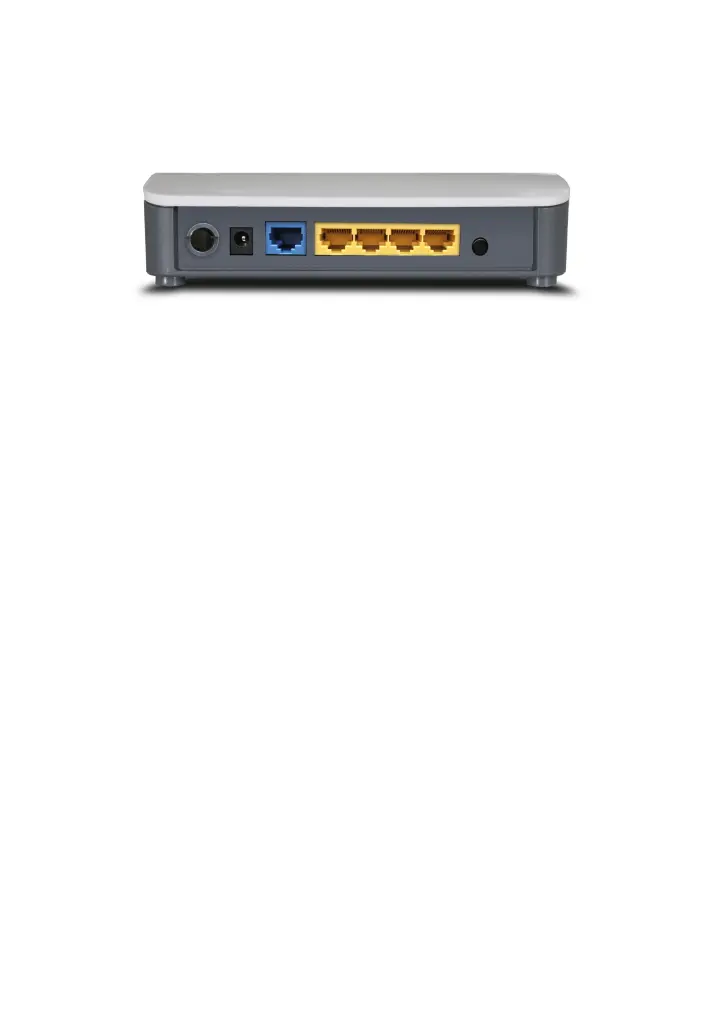
Back Panel Show:
Rear Panel:
POWER
The jack is for power adapter connection. Please use the
included 9V DC power adapter.
WAN
A 100Mbps Ethernet port can be connected with
MODEM, Switch, Router and other Ethernet device for
Internet connecting to DSL MODEM, Cable MODEM and
ISP.
LAN (1, 2, 3, 4)
4 10/100Mbps Ethernet ports can be connected with
Ethernet switch, Ethernet router and NIC card.
RESET/WPS
The system reset button. Press this button for 7 seconds,
the settings configured in this device will be deleted and
it will restore the settings to the default one. Press it for 1
second, the WPS feature will be enabled and WPS
indicator will be shown blinking.



 To Next Page