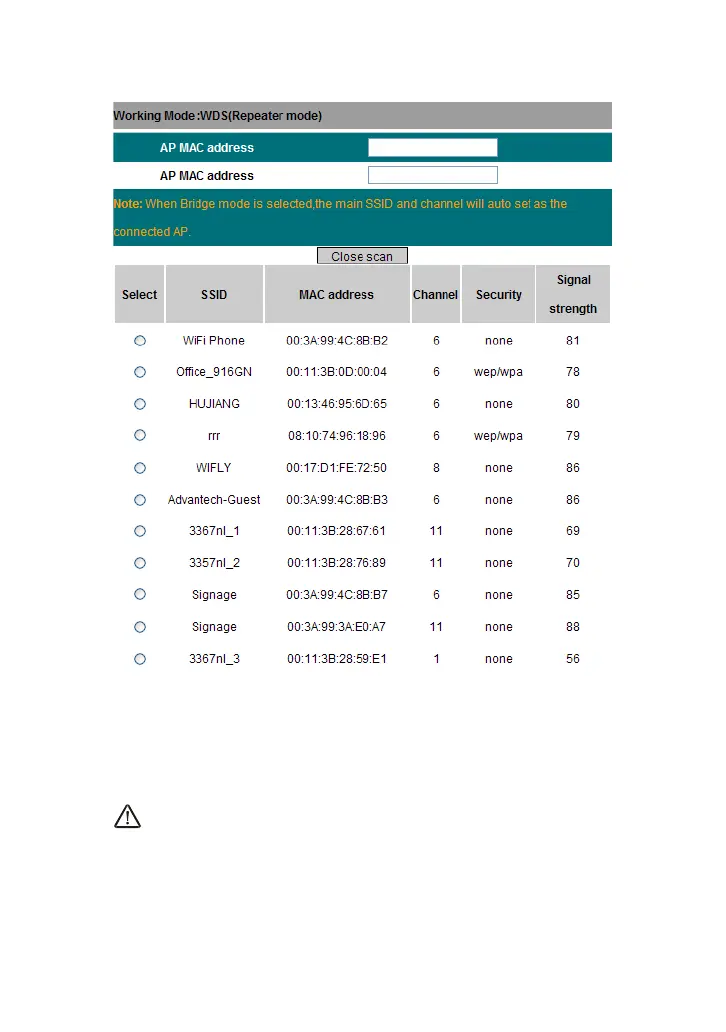
b) Click “Ok” after the MAC address is added.
After finishing the above steps, you need to set the other SP916NL router
in the same way.
NOTE:
WDS feature requires both routers support this function and the SSID,
channel, encryption method and password are the same as those of the
connecting router.
5.2 Wireless Security Settings



 To Next Page