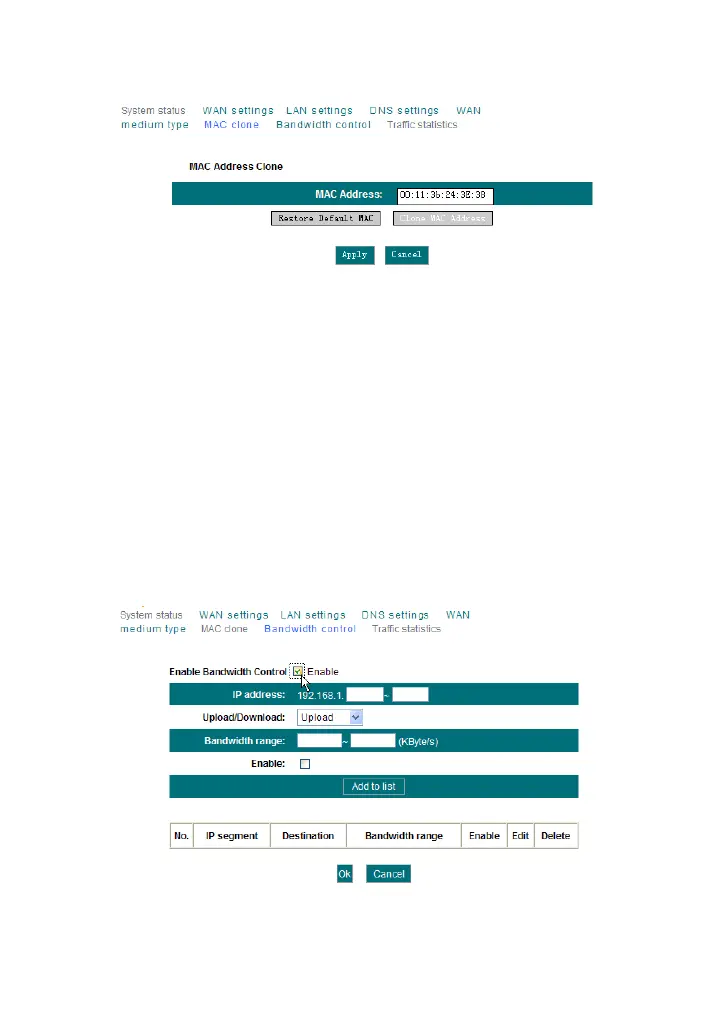
MAC Address clone: Some Internet service providers require end-user's
MAC address to access their network. This feature copies the MAC
address of your network device to the router.
MAC Address: The MAC address to be registered with your Internet
service provider.
Restore Default MAC: Restore the default hardware MAC address.
Clone MAC: Register your PC's MAC address.
4.7 Bandwidth Control
Bandwidth control is used to limit the communication traffic of LAN
computers when accessing the Internet. It can simultaneously control
maximum of 254 PCs' traffic. In addition, IP address range configuration is
supported.
Enable Bandwidth Control: To enable or disable the internal IP
bandwidth control. The default is disabled.



 To Next Page