in this mode, just Click “Ok” to finish the settings.
4.3 LAN Settings
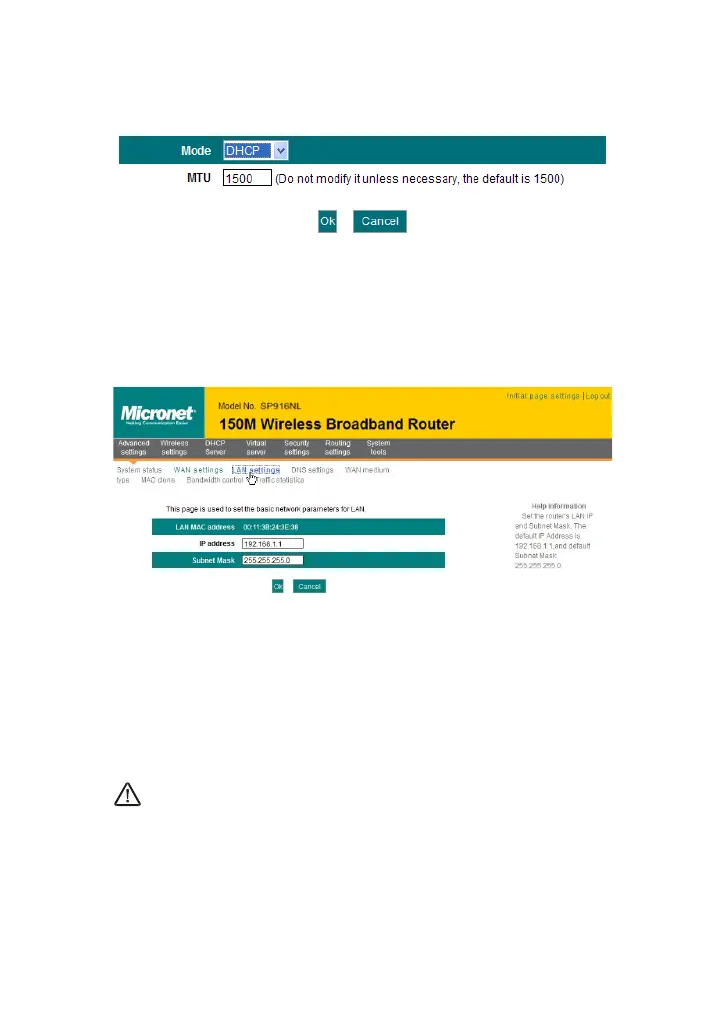
Click “Advanced settings” –LAN settings to enter the following screen.
LAN MAC address: The Router’s LAN MAC address, which is
unchangeable.
IP address: The Router’s LAN IP address (not your PC’s IP
address).The default value is 192.168.1.1; you can change it when
necessary.
Subnet mask: The Router’s LAN subnet mask. The default value is
255.255.255.0
NOTE:
Once you modify the IP address, you need to remember it for next time
you log in to the web-based utility.
4.4 DNS Settings
DNS stands for Domain Name System (or Service).



 To Next Page