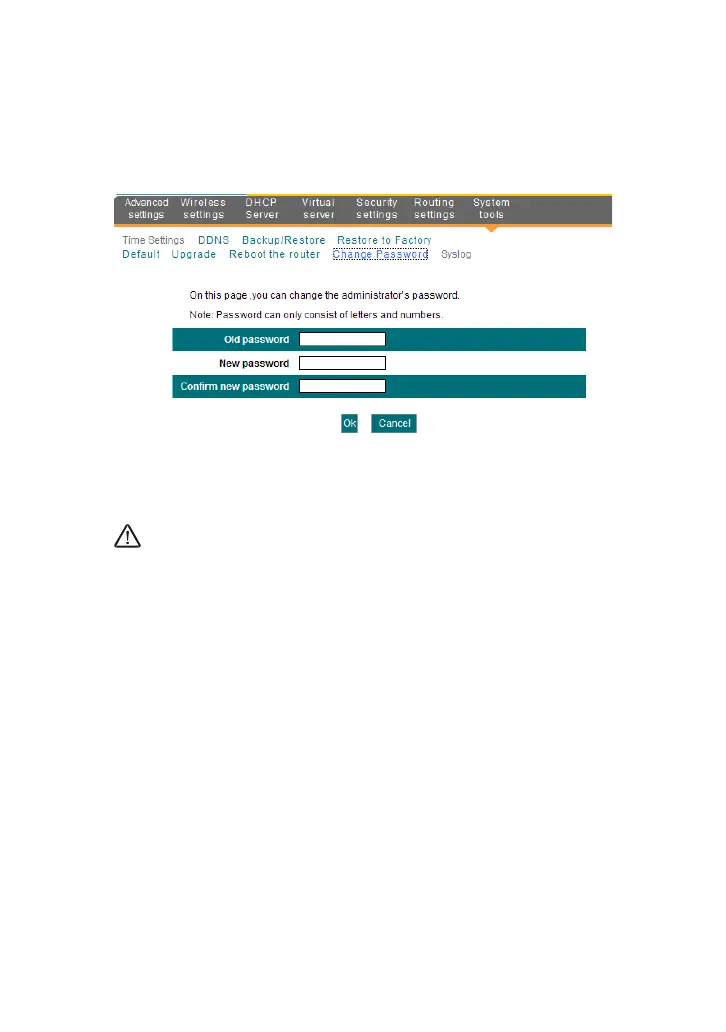
10.7 Password Change
This section is to set a new password to better secure your router and
network.
Old password: Enter the old password.
New password: Enter a new password.
Confirm new password: Re-enter to confirm the new password.
NOTE:
The default password displays as null, users can log on the web-based
utility without any authentication. To secure the router and your network, it
is highly recommended that you change the initial password.
10.8 Syslog
The section is to view the system log. You can view various conditions
appearing after system start, and also check whether there’s an attack on
the network. The log can record at most 150 entries.



 To Next Page