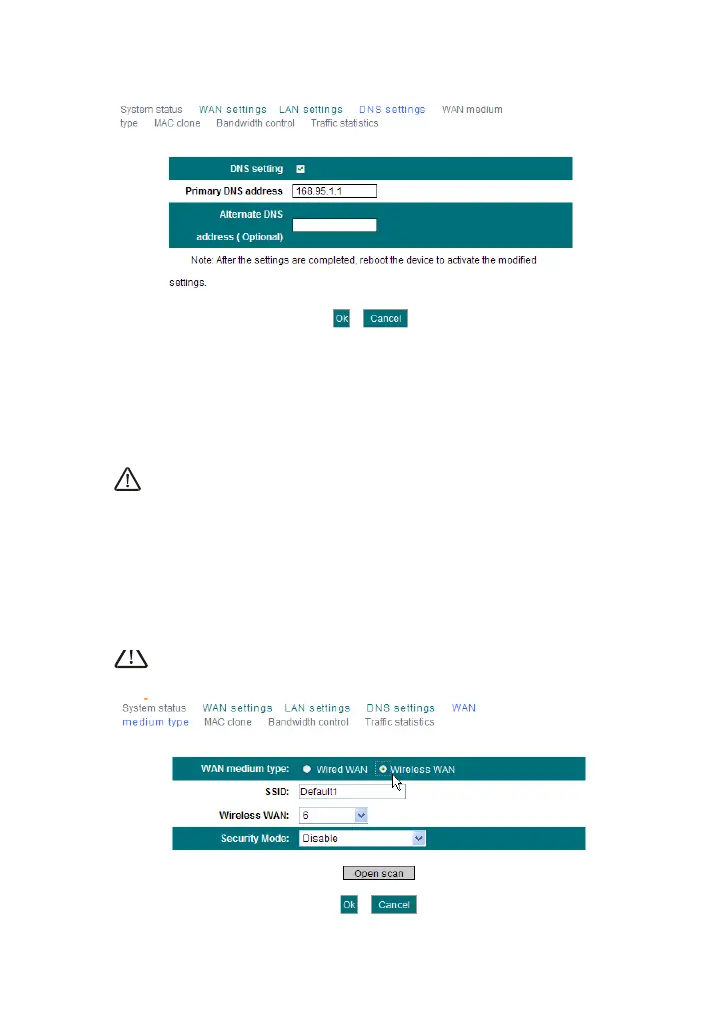
DNS setting: Select to enable the DNS server.
Primary DNS address: Enter the necessary address provided by
your ISP.
Alternate DNS address: Enter the second DNS address if your ISP
provides, which is optional.
NOTE:
After the settings are completed, reboot the device to activate the modified
settings.
4.5 WAN Medium Type
Wired WAN and wireless WAN
NOTE: This function applies only to some of the products.
Wired WAN: In this mode, the cable is directly connected to the WAN port.



 To Next Page