7.2 DMZ Settings
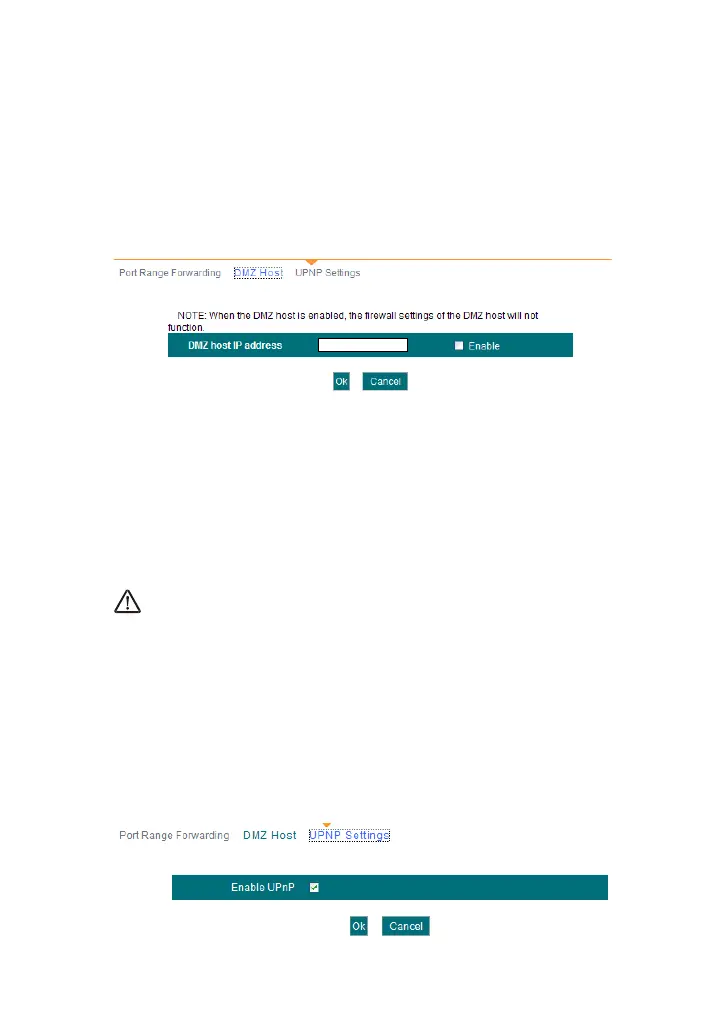
The DMZ Settings screen allows one local computer to be exposed to the
Internet for use of a special-purpose service such as Internet gaming or
videoconferencing. DMZ hosting forwards all the ports at the same time to
one PC.
DMZ Host IP Address: The IP address of the LAN computer you
want to set as DMZ host.
Enable: Check to enable the DMZ host.
For example:
Set the computer at the IP address of 192.168.1.10 as DMZ host to
connect another host on the Internet for intercommunication.
NOTE:
When the DMZ host is enabled, the firewall settings of the DMZ host will
not function.
7.3 UPNP Settings
UPnP (Universal Plug and Play).With the UPnP function, the internal host
can request the router to process some special port switching so as to
enable the external host to visit the resources of the internal host.



 To Next Page