2 Product Installation
2.1 Hardware Installation
After you unpack the box, please follow the steps below to
connect. For better wireless performance, please put the
device in the middle of wireless coverage area.
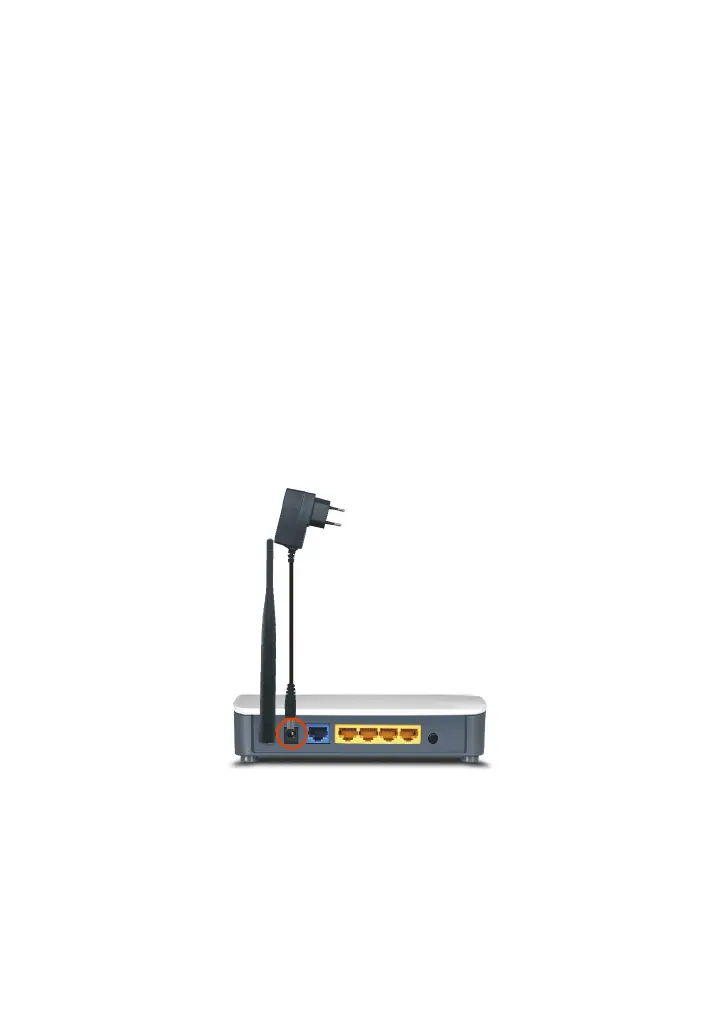
1. Please use the included power adapter to power on the
Router. IMPORTANT: Use of a different power adapter could
cause damage and void the warranty for this product.
2. Please connect the LAN port of the Router to the network
adapter of your computer with a cable.



 To Next Page