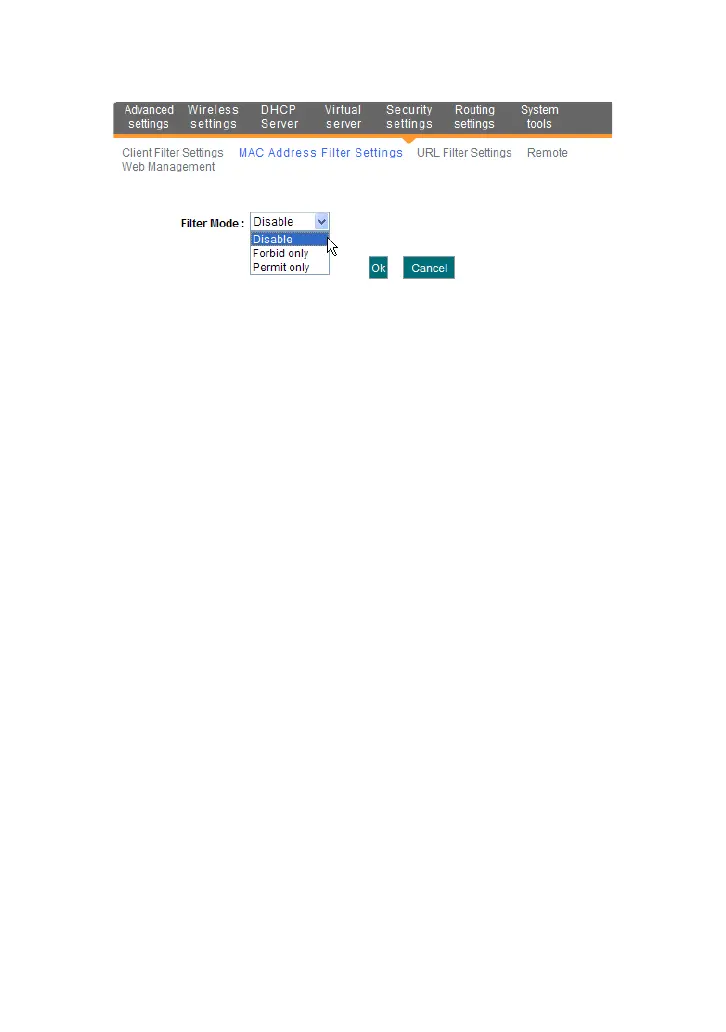
Filter mode: You can select either “Permit only” or “Forbid only”.
Access Policy: Select one number from the drop-down list.
Remark: A simple description of the configured file. You can also
leave it blank.
MAC Address: Enter the MAC address you want to run the access
policy.
Time: Select the time range of MAC address filter.
Date: Select the day(s) to run the access policy.
Enable: To enable/disable the access policy (forbid/permit the
packets matched with the access policy to pass through the router).
Example 1 Forbid the computer with the MAC address of
00:E0:4C:69:A3:23 to access Internet during 8:00 to 18:00 from Monday to
Friday.
Example 2 Permit the computer with the MAC address of
00:E4:A5:44:35:69 to access Internet from Monday to Friday.
8.3 URL Filter Settings
You can use URL filtering to forbid their access to certain websites at a
specified time.



 To Next Page