3 How to configure to access the Internet
3.1 How to Set the Network Configurations
Network Configurations under windows XP
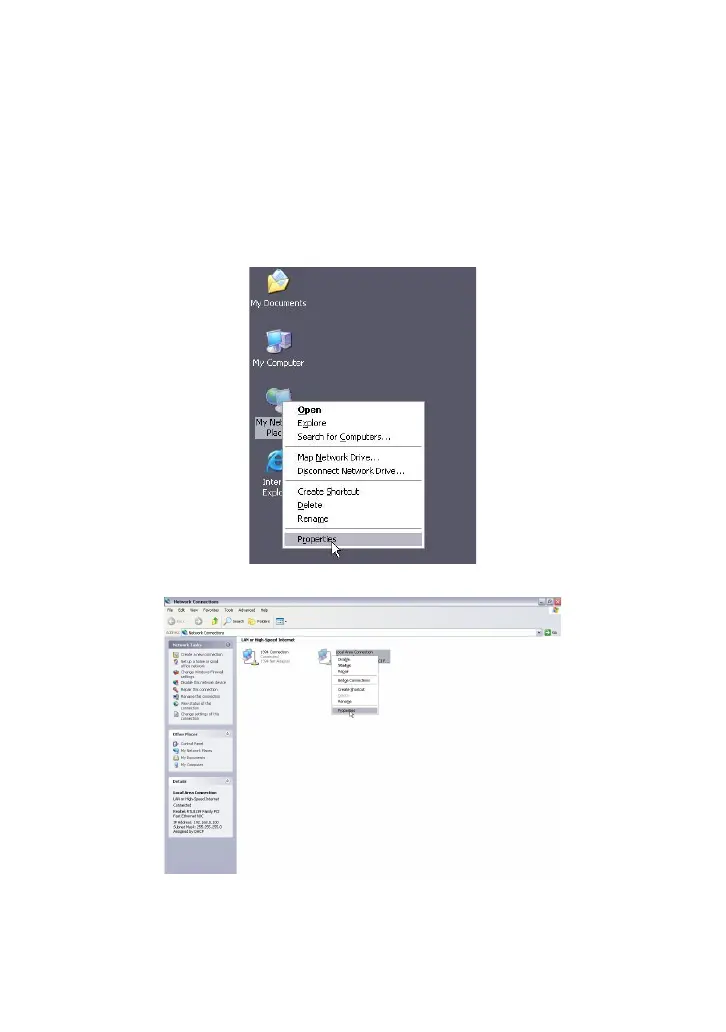
1. Right click “My Network Places” on your computer desktop and select
“Properties”.
2. Right click “Local Area Connection” and select “Properties”.
3. Select “Internet Protocol (TCP/IP)” and click “Properties”.



 To Next Page