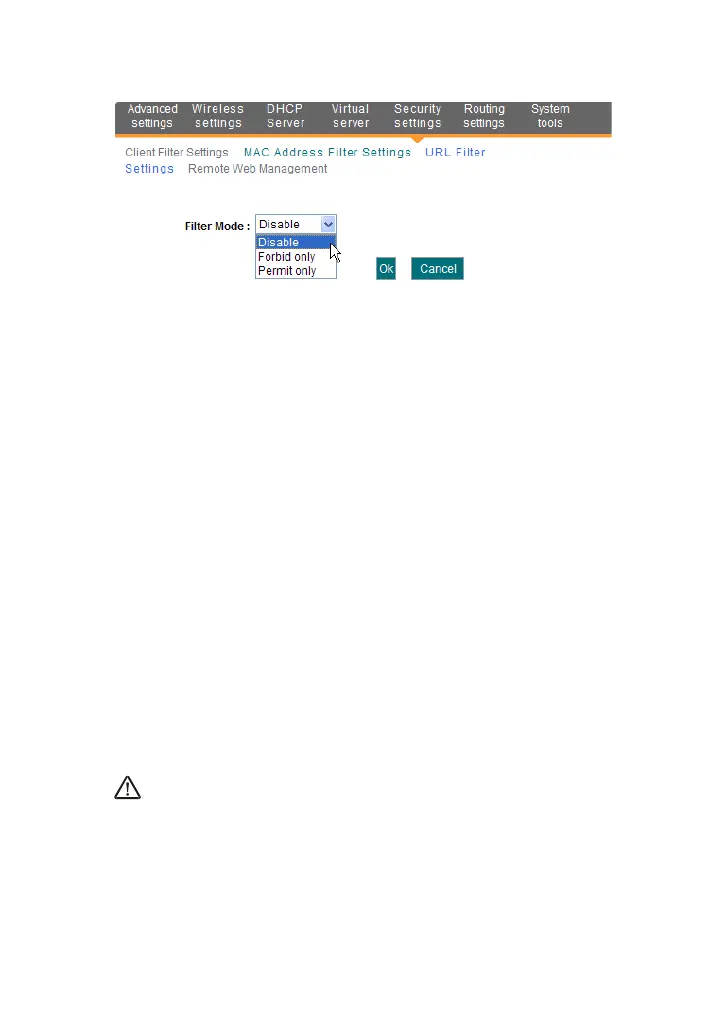
Filter Mode: You can select either “Permit only” or “Forbid only”.
Access Policy: Select one number from the drop-down list.
Remark: A simple description of the configured file. You can also
leave it blank.
Start/End IP: Enter the start/end IP address.
URL character string: Specify the text strings or keywords
needed to be filtered.
Time: Select the time range of URL filter.
Date: Select the day(s) to run the access policy.
Enable: To enable/disable the access policy (forbid /permit the
packets matched with the access policy to pass through the router).
Example1 Forbid all computers on LAN to access baidu.com during 8:00
to 18:00 from Monday to Friday.
Example2 Permit LAN computers with the IP addresses of 192.168.1.100-
192.168.1.115 to access yahoo.com.
NOTE:
Enter only one domain name for each access policy for one access policy
can only filter one domain name. So, if you want to filter multiple domain
names, you need to set multiple access policies
8.4 Remote Web Management



 To Next Page