3 How to Login to the Router
The chapter mainly presents how to enter the Router’s Web
page. After you have finished the hardware installation, the
following steps will assist you to set the network configurations
for you computer.
3.1 How to Set the Network Configurations
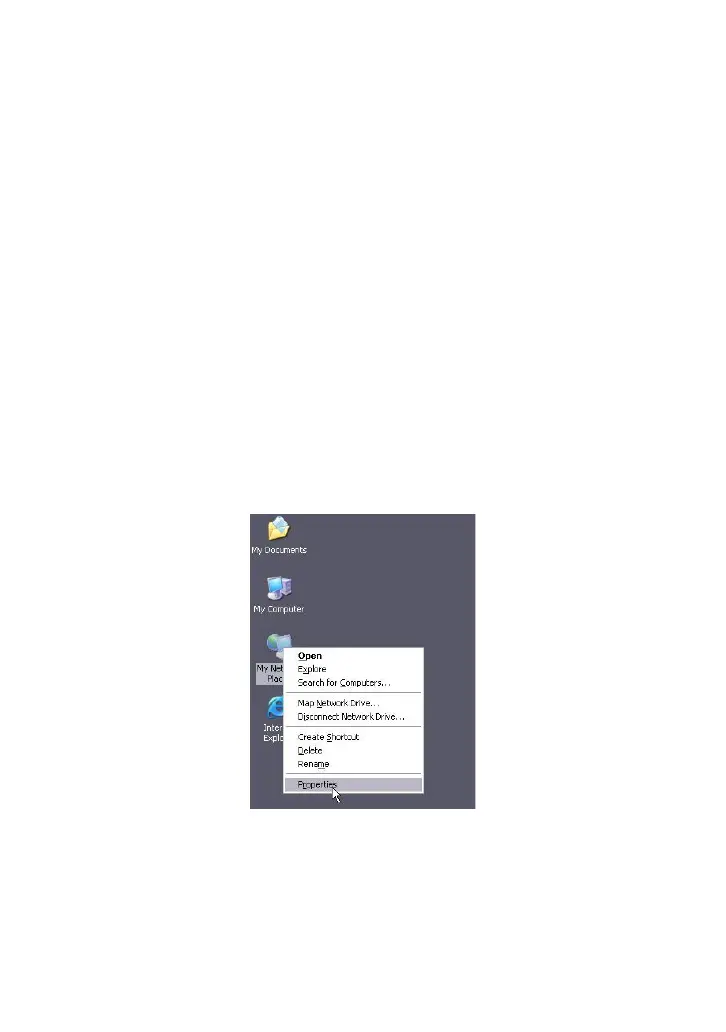
1. On your computer desktop right click “My Network Places”
and select “Properties”.



 To Next Page