3.2 Login to the Router
1. To access the Router’s Web-based interface, launch a web
browser such as Internet Explorer or Firefox and enter the
Router’s default IP address, http://192.168.1.1. Press
“Enter”.
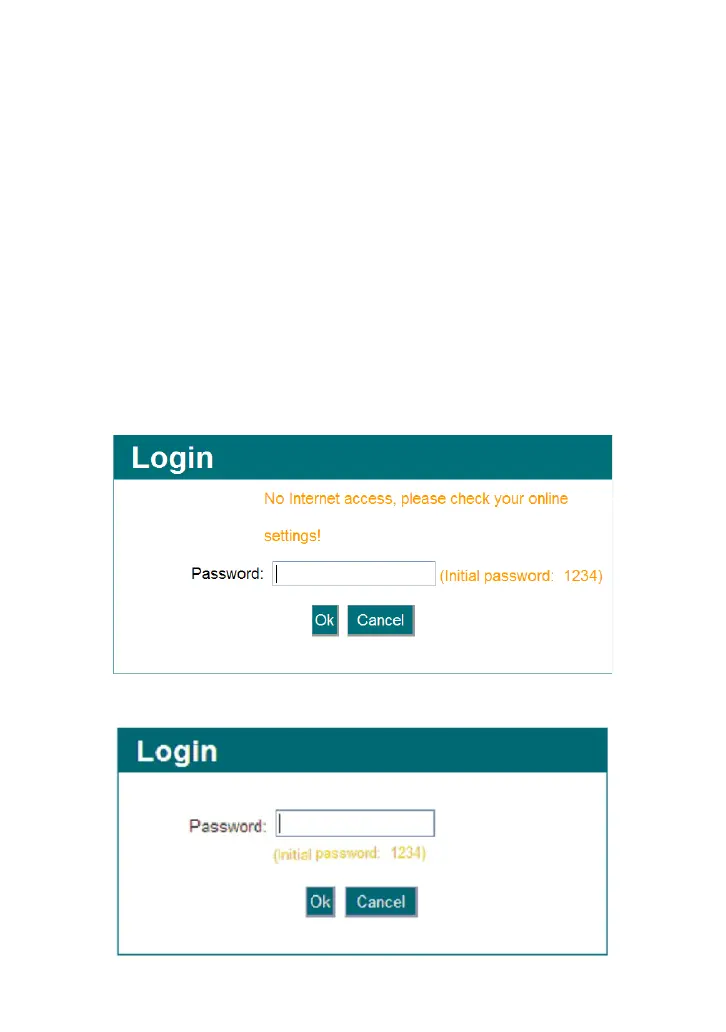
2. Input the “1234” in Password. Click “OK”.
A. It indicates the router’s WAN port hasn’t been connected with the
network cable.
B. It indicates the Router is well connected with the ISP.



 To Next Page