your ISP. Otherwise, you can enter 168.95.1.1. Click “OK” to save
the configurations.
Network Configurations under windows 7
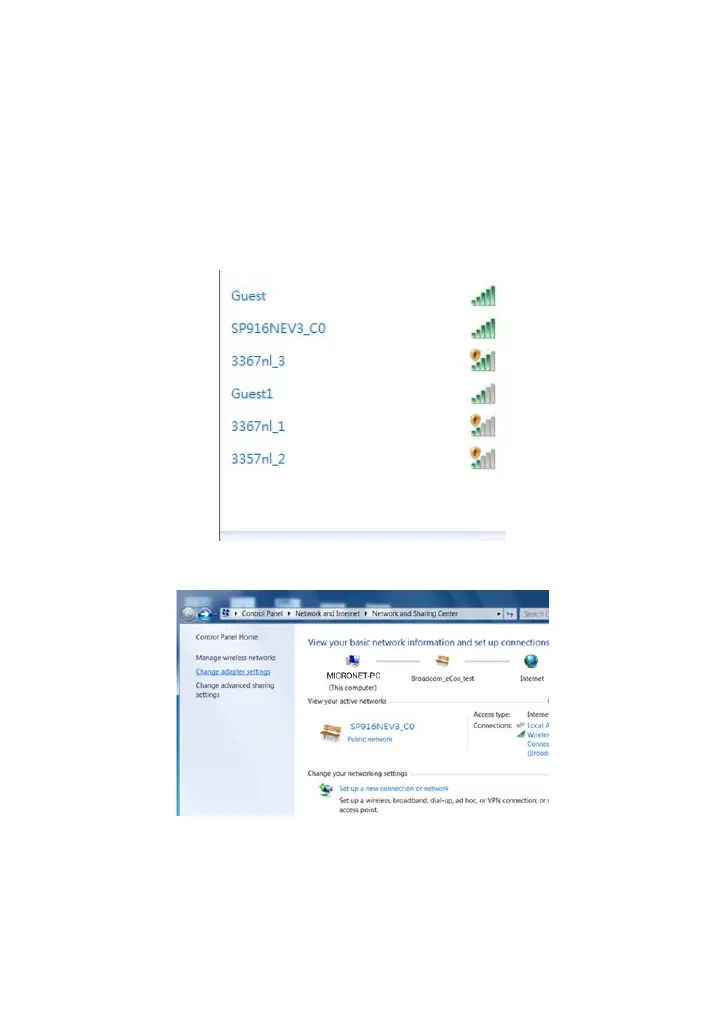
1. Click the network icon on the lower right corner of your computer
desktop, and then click” Open Network and Sharing Center”.
2. Click “Change adapter settings” on the left side of the window.
3. Right click “Local Area Connection” and select “Properties”.



 To Next Page