17
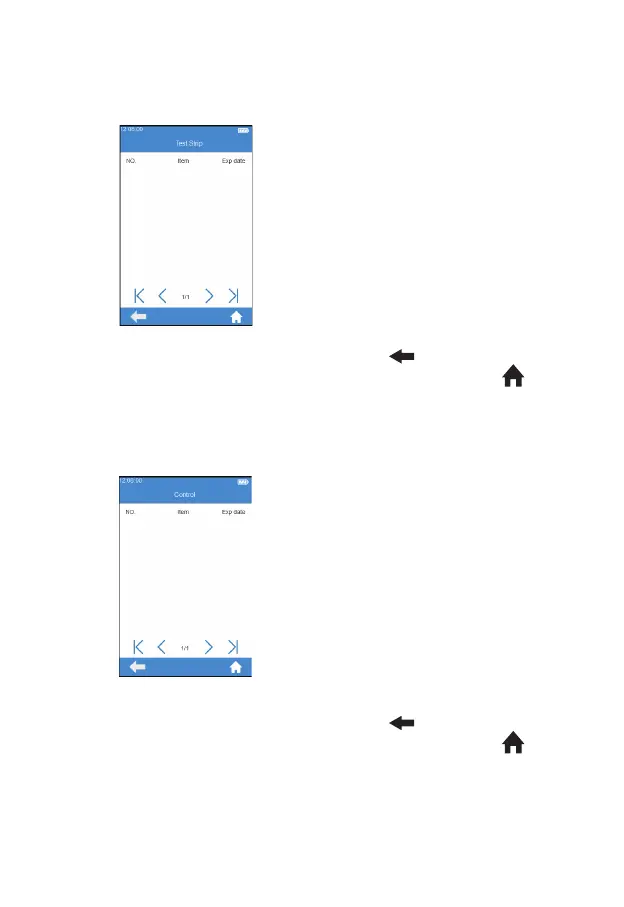
Click “Test Strip” from Codechip
menu (see gure 3-9) to enter
Test Strip menu (see gure 3-10).
The Codechip information of the
installed strip then displayed in this
menu. A new strip Codechip can
also be installed by inserting the
strip Codechip into the Codechip
slot (see the right gure on P6).
Please make sure the side with the
arrow is facing up and the Codechip
is inserted into the end. If the
Codechip has not been installed, the
Codechip is automatically installed
into the meter and displayed in the
list. Click "
" to return to the
previous screen and click " " to
return to the main menu.
Click “Control” from Codechip
menu (see gure 3-9) to enter
Control menu (see gure 3-11).
The Codechip information of the
installed control then displayed in
this menu. A new control Codechip
can also be installed by inserting the
control Codechip into the Codechip
slot (see the right gure on P6).
Please make sure the side with the
arrow is facing up and the Codechip
is inserted into the end. If the
Codechip has not been installed, the
Codechip is automatically installed
into the meter and displayed in the
list. Click "
" to return to the
previous screen and click " " to
return to the main menu.
I
n addition to being installed from Codechip menu, a Codechip can also
be installed during the test. When testing with a test strip or control with a
Codechip installed, the installation operation is no longer required during
(3-11)
(3-10)



 To Next Page