In-Application Programming Using PCIe Interface
DG0584 Demo Guide Revision 5.0 15
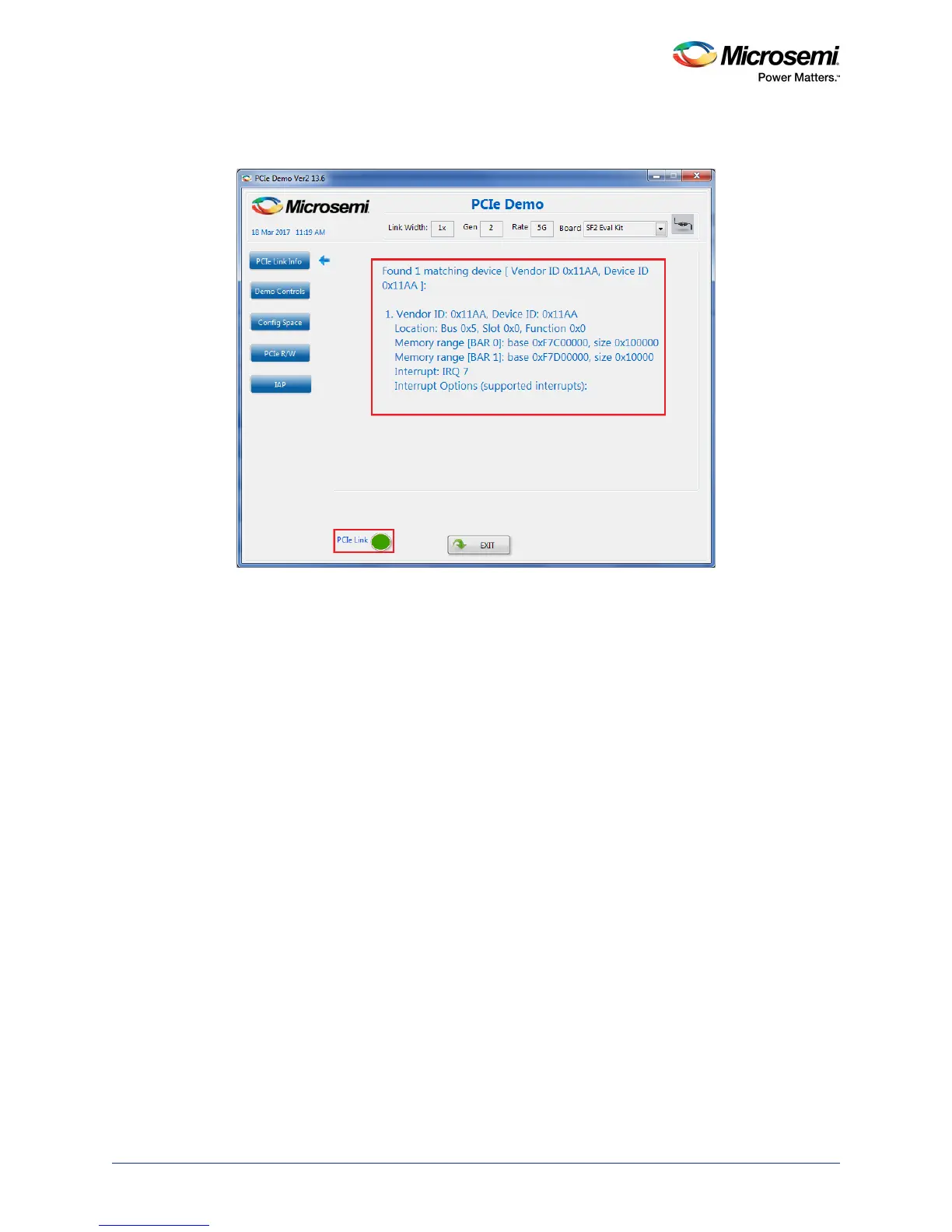
3. Click Connect. The application detects and displays the connected Kit, demo design, and PCIe link.
The following figure shows the example messages after the connection is established.
Figure 18 • PCIe Device Information
2.8 IAP Step1: Loading SPI Flash with Programming
Bitstream
The following steps describe how to load the SPI Flash with programming bitstream:
1. Click IAP, as shown in Figure 19, page 16.
2. Click Browse to select the *.spi programming file to write the bitstream data to the SPI Flash
memory as shown in Figure 19, page 16. The sample *.spi programming file can be selected from
<download_folder>\sf2_iap_using_interface_demo_df\ sample_programming_files.




 To Next Page