In-Application Programming Using PCIe Interface
DG0584 Demo Guide Revision 5.0 17
2.9 IAP Step2: Initiating the IAP Services
The IAP services can be executed by clicking Authenticate, Verify, or Program on the GUI.
2.9.1 Authenticate and Program Operation Mode
The following steps describe how to authenticate and program the operation mode:
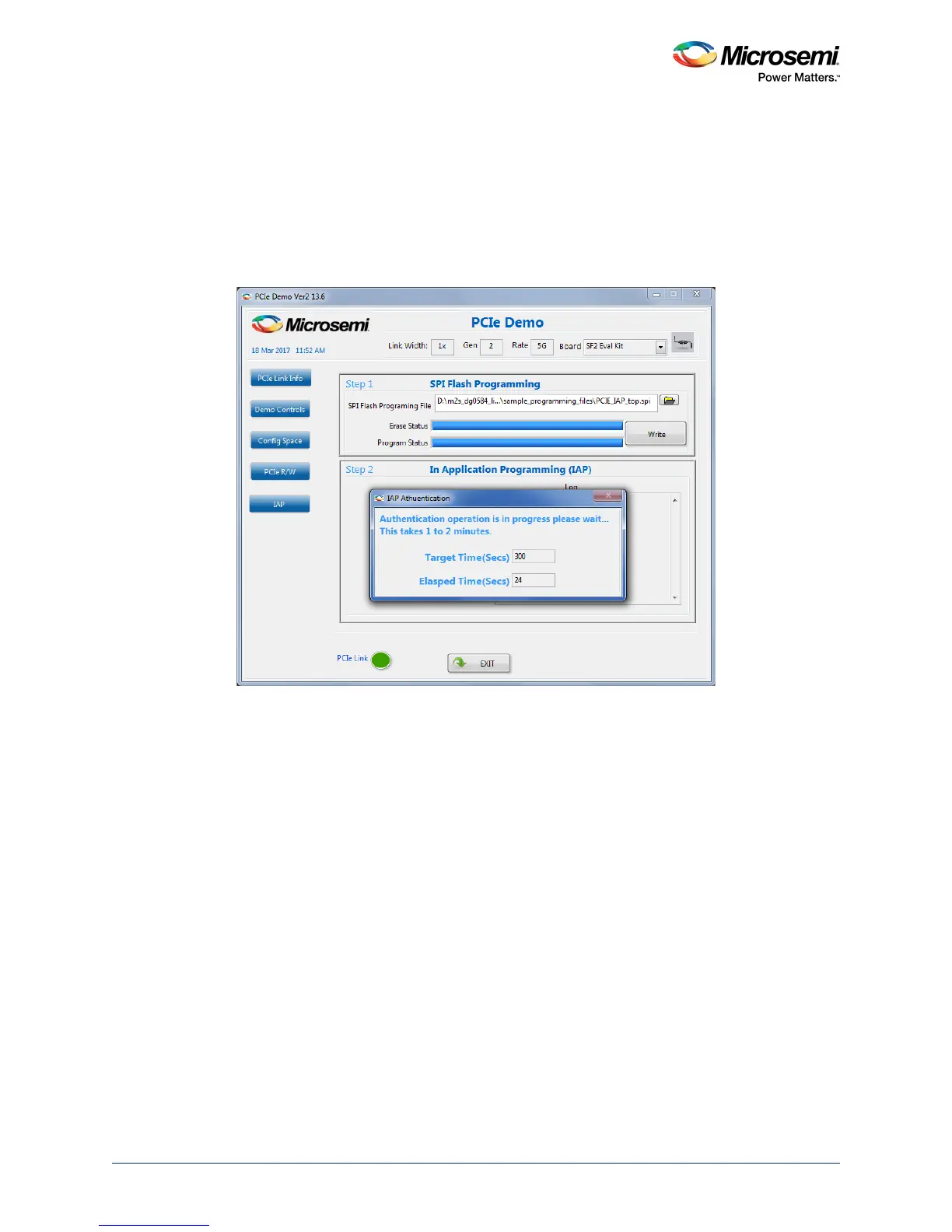
1. Click Authenticate in GUI to check the data integrity of the bitstream data stored in the SPI Flash.
The following figure shows the IAP operation is in progress message.
Figure 21 • IAP Authentication Status




 To Next Page