© 2014 Microsoft Page 31
Use apps
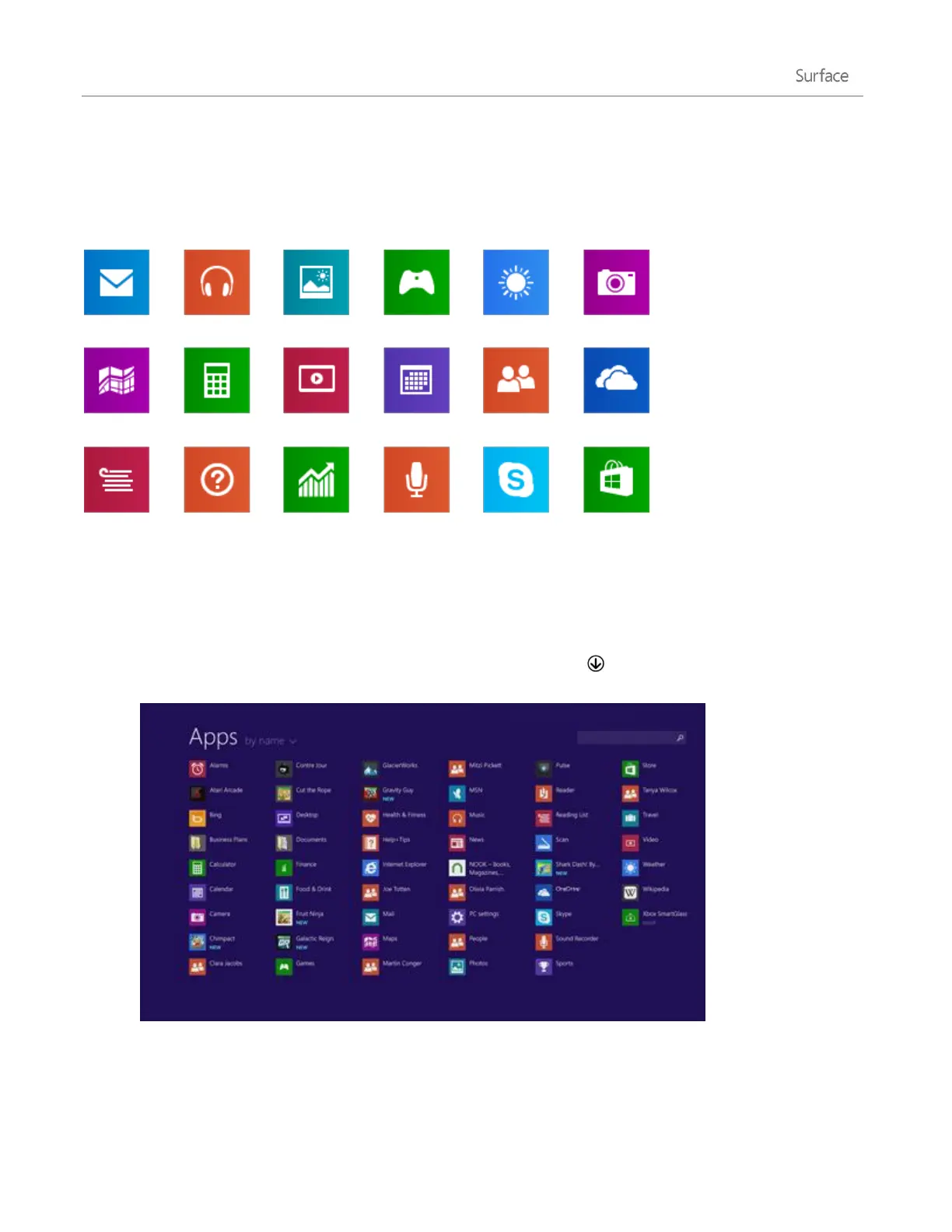
Surface comes with a great set of apps such as Mail, Skype, and Camera.
Learn more about these apps in the Built-in apps section of this guide.
Find and open apps
To find an app on your Surface:
Apps view. Swipe up from the center of the Start screen (or click on the lower-left of Start). A list of
apps appears. Type an app name or scroll to see all your apps.
Use Search. Open the Search charm, and type an app name like Skype.
Tip
If you don’t see the app you want, look in the Windows Store (see Get apps in this guide).












 To Next Page