Dialog oven controls
24
Symbols
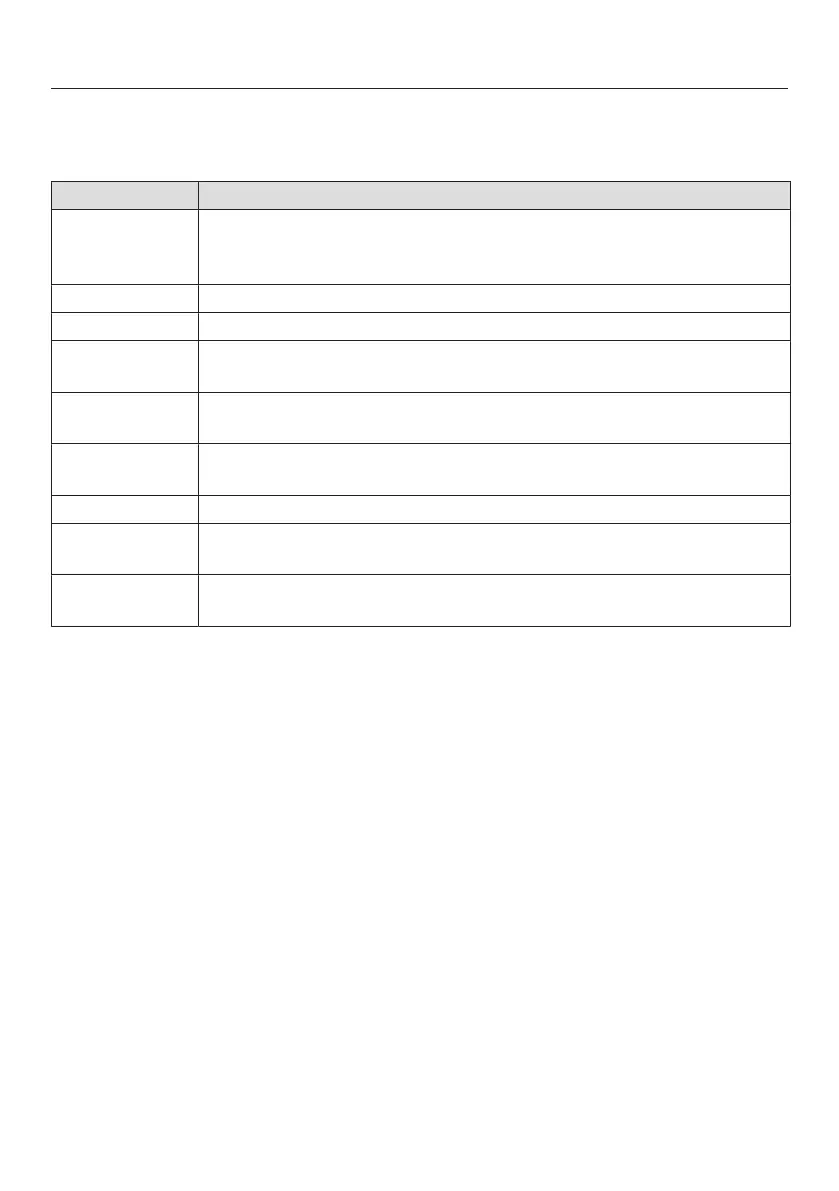
The following symbols may appear in the display:
Symbol Meaning
This symbol indicates that there is additional information and
advice about using the appliance. Select OK to confirm the
information.
Alarm
Minute minder
Some settings, e.g. display brightness and signal tone volume,
are selected using a segment bar.
… This indicates that there are more options available, which are
not visible because there is not enough space in the display.
The system lock or sensor lock is switched on (see “Settings -
Safety”). The controls are locked.
Core temperature when using the food probe
Remote control (only appears if you are in the Miele@home
system and have selected the Remote control| On setting).
SuperVision (only appears if you are in the Miele@home system
and have selected the SuperVision| SuperVision display| On setting)



 To Next Page