OM-272476 Page 18
5-4. Alternate Configuration Functions
The function of the remote control and panel meters can be changed on this machine.
To view or change the active configuration:
S Place the process selection switch into SMAW (Stick) Output-On mode.
S Quickly tap (press and release) the wire feeder gun trigger or remote output on-off switch 3 to 5 times within a few seconds to view the active
configuration.
S Repeat the tapping sequence to switch to the next configuration. The right meter will briefly display the new configuration before returning to
the preset display.
. Do not turn power off for at least 5 seconds to ensure the new configuration is saved. If supported, Preflow must be disabled on the wire
feeder to recognize gun trigger taps.
Alternate configurations are explained below. See Section 5-2 for default configuration operation.
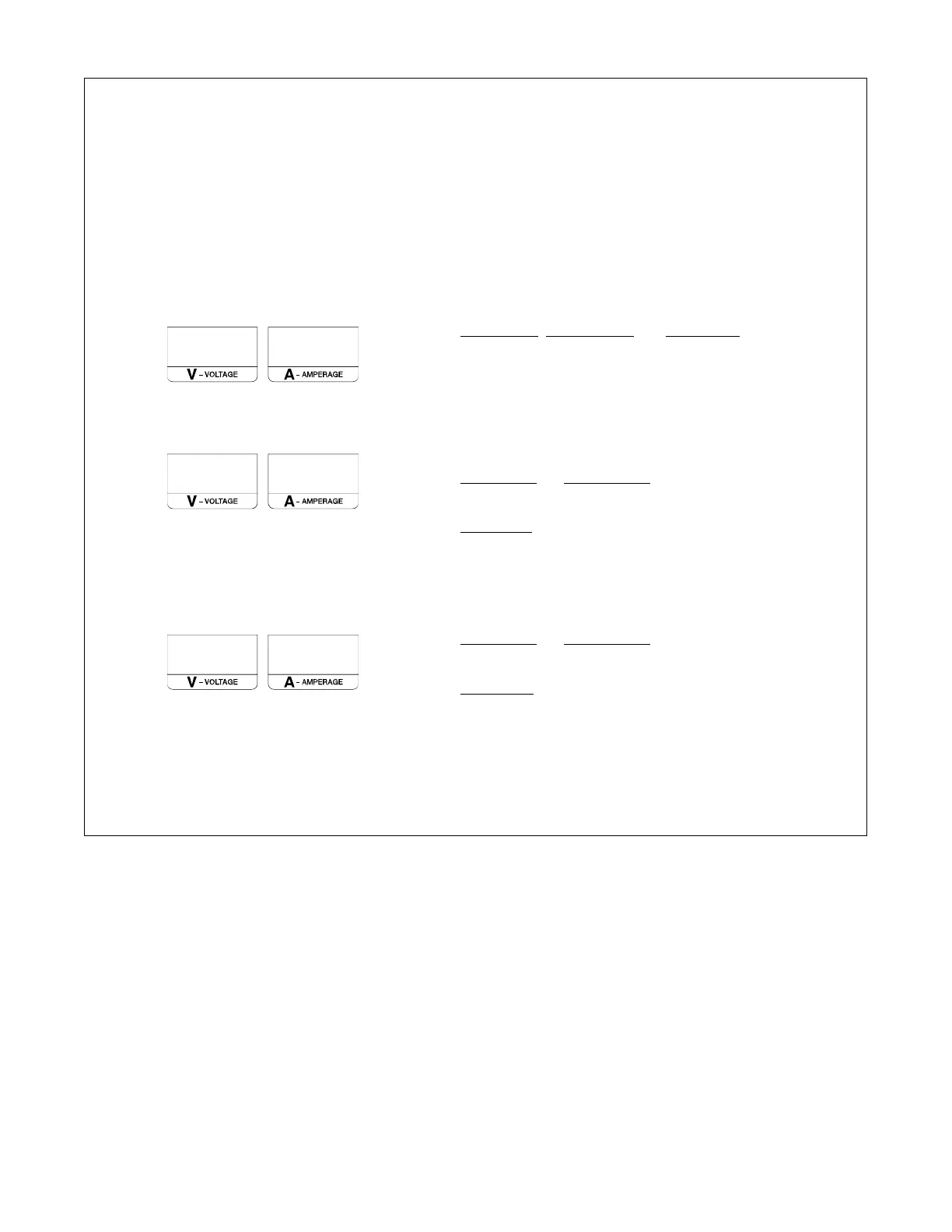
C 1
SMAW (Stick), CAC-A (Gouge), and Stick Remote: The right
meter displays the preset amperage set with the panel Adjust
Control. When connected, the remote control sets the percent-
age of preset amperage. The Remote In Use indicator is lit while
the remote control is connected.
C 2
This is the default configuration as shipped from the factory.
SMAW (Stick) and CAC-A (Gouge): The remote amperage
control is ignored. The Remote In Use indicator is not lit. The
right meter displays the preset amperage.
Stick Remote: The right meter displays the preset amperage set
with the panel Adjust Control. When connected, the remote con-
trol sets the percentage of preset amperage. The Remote In Use
indicator is lit while the remote control is connected.
C 3
SMAW (Stick) and CAC-A (Gouge): The remote amperage
control is ignored. The Remote In Use indicator is not lit. The
right meter displays the preset amperage.
Stick Remote: The right meter displays the percentage of
preset amperage with a remote connected. The remote con-
trol sets the percentage of preset amperage. The Remote In
Use indicator is lit while the remote control is connected. Turn-
ing the panel Adjust Control will briefly display the preset am-
perage for 100%.
. Configurations 2 and 3 prevent a wire feeder from affecting the preset amperage of the Stick and Gouge Output-On modes.






 To Next Page