OM-272384 Page 18
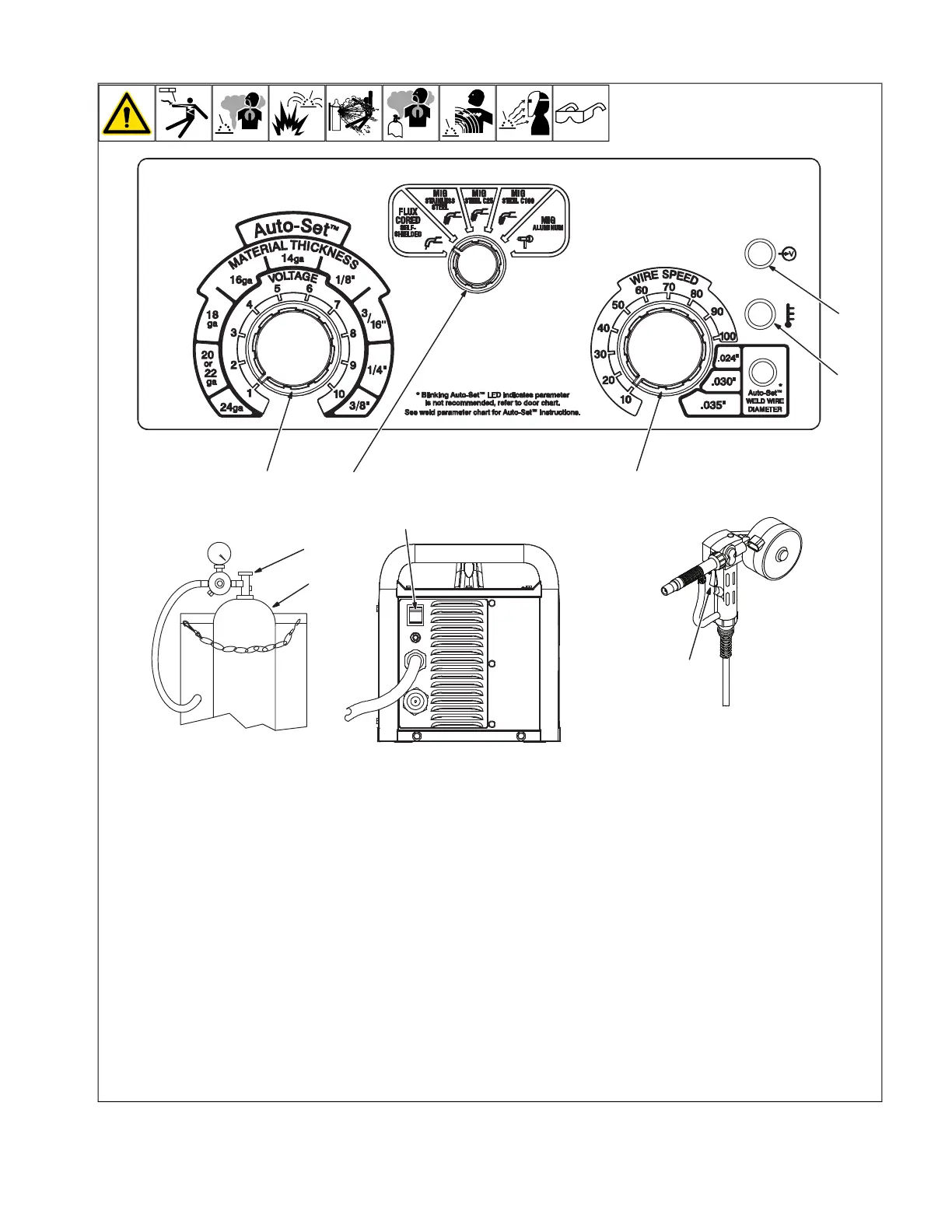
5-2. Controls For Millermatic 211 Auto-Set
™
Models
OM-272 384 Page 5
2-2. Controls For Millermatic 211 Auto-Set Models
274604-A / 270208-A
Rear View
6
1
2
4
3
3
7
8
9
10
1 Shielding Gas Cylinder
For shielding gas connections, see welding
power source Owner’s Manual.
2 Valve
Open valve on cylinder just before welding
Close valve on cylinder when finished
welding.
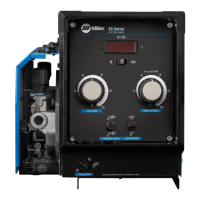
3 Voltage/Material Thickness Control
Turn control clockwise inside white scale (1-
10) to increase voltage (see weld parameter
chart in welding power source).
4 Process Select Control
Turn control to select desired weld process.
5 Perform Motor Calibration
See the Millermatic 211 Owner’s Manual for
Spoolmate Motor Calibration procedure.
6 Wire Speed/Wire Diameter Control
Turn control clockwise inside white scale
(10-100) to increase wire feed speed. (see
weld parameter chart in welding power
source).
7 Over Temperature Light
If unit overheats, light turns on and output
stops. Allow unit to cool before resuming
operation. This light will also communicate
additional unit errors.
8 Power Light
Power light illuminates when the unit is
turned on and powered up.
9 Power Switch
Use switch to turn unit On or Off.
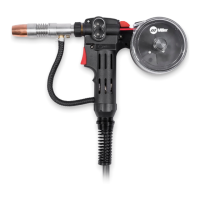
10 Trigger
Press trigger to energize welding power
source contactor, start shielding gas flow,
and begin wire feed.







 To Next Page