129
Alarm Information, Continued
Q-POD Display
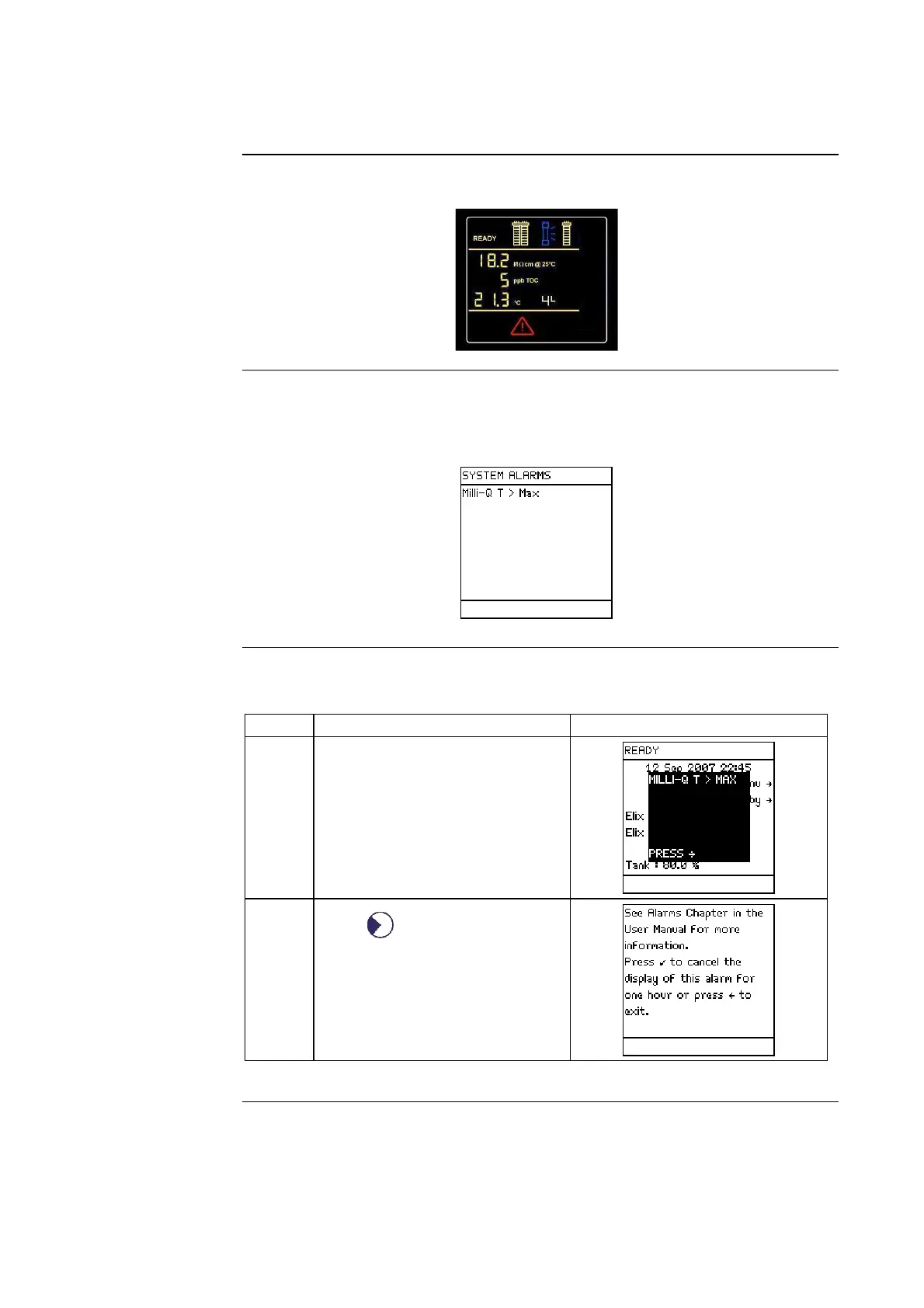
The Q-POD Display has a flashing symbol indicating an Alarm.
System Alarms
When an Alarm is shown, it is listed under the System Alarms LCD.
See the section <View Operation> for information on how to access this
LCD.
Viewing an
Alarm Message
Follow the steps below to view an Alarm message.
Step Action Diagram
1 The Alarm message is shown
superimposed on the Main
Display.
2
Press .
Continued on next page







 To Next Page