130
Alarm Information, Continued
Viewing an
Alarm Message
(continued)
Step Action Diagram
3
Press .
Cancelling an
Alarm message
• The display of an Alarm message can be cancelled by:
− fixing the cause of the Alarm, or
− by using the Keypad. This cancels the display of the Alarm message for 1
hour.
Alarm – before
cancelling
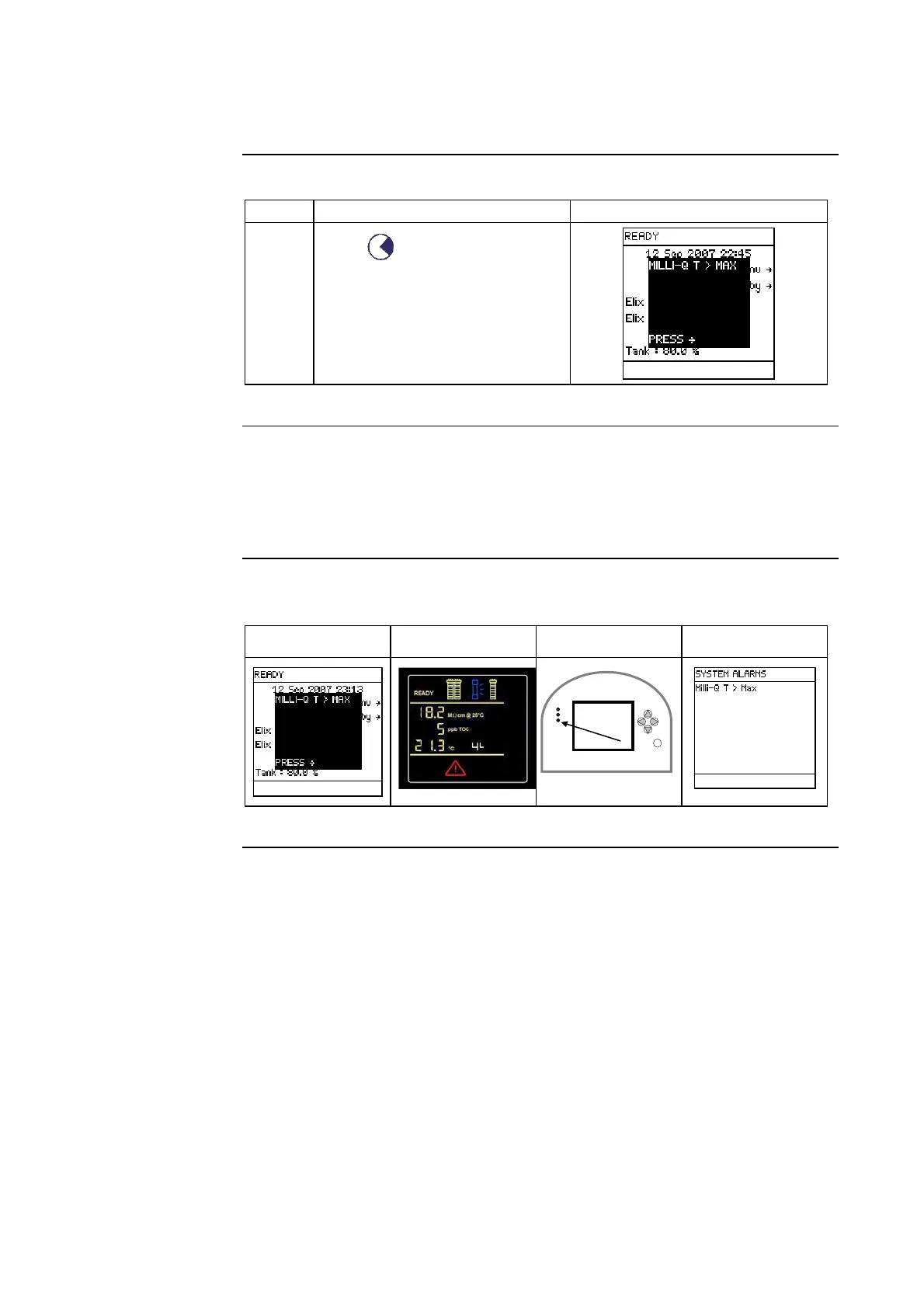
In this example, the Alarm message is MILLI-Q T > MAX.
Main Display Q-POD Display LEDs Main Display
Continued on next page
ê







 To Next Page