16
Q-POD Unit, Continued
Display
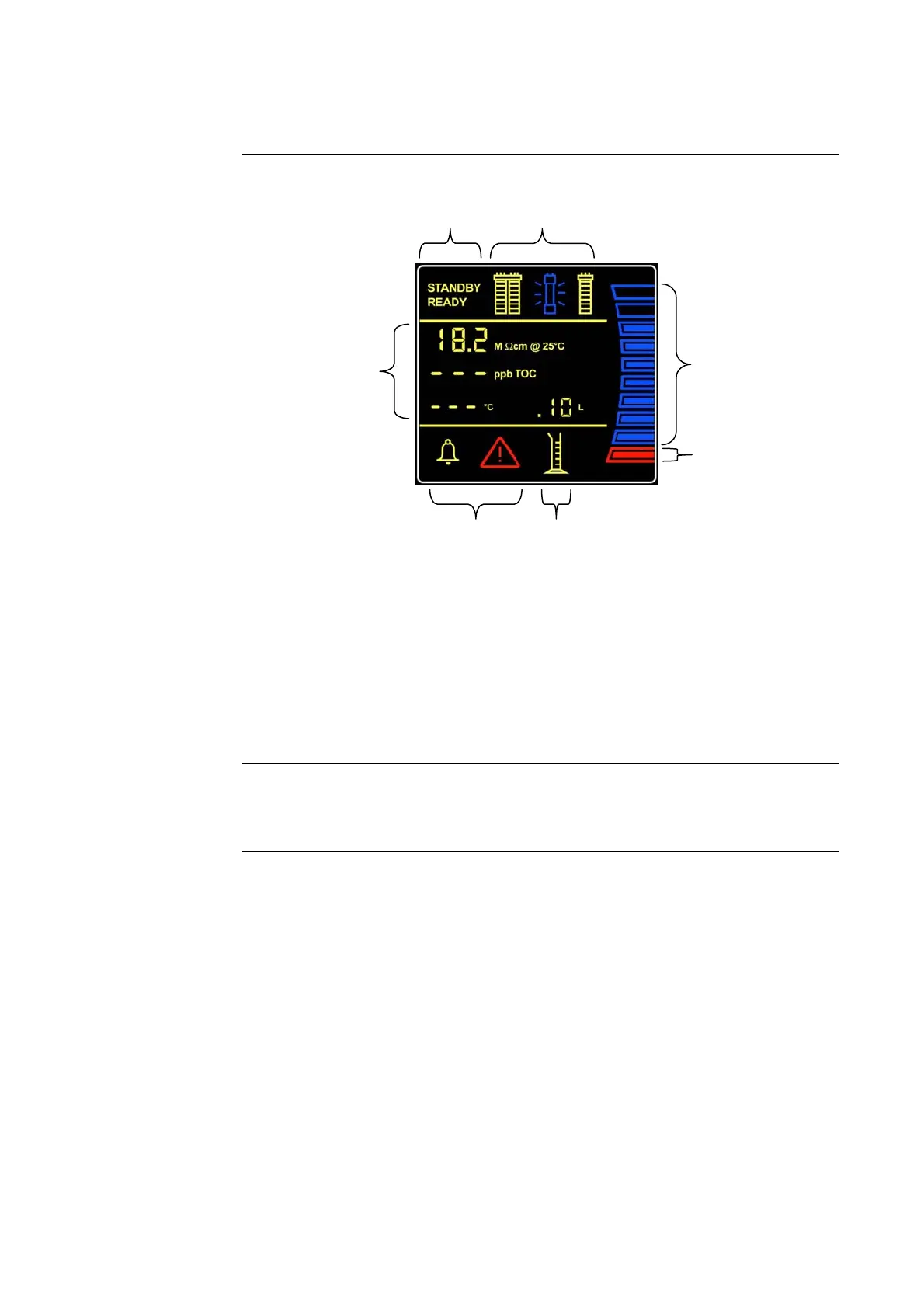
The Q-POD Display is shown and explained here.
Display - 1
STANDBY and
READY
• STANDBY Mode is used only to access the Maintenance and Manager
Menus.
• READY Mode is the normal mode for Milli-Q Water production and
delivery. The Milli-Q System should be left in READY Mode during
evenings, weekends and other times of non use.
Display – 2
Reservoir Level
• The Reservoir volume is represented by 10 graphic bars.
• Each bar is equal to 10% of the total Reservoir volume.
Display – 3
Values
• Resistivity (MΩ.cm or μS/cm)
− Product water resistivity or conductivity
• TOC (ppb)
− Product water total oxidizable carbon
• Temperature (°C)
− Product water temperature
• Volumetric dispensing (L)
− Volumetric dispensing value
Continued on next page
1
4
2
6
3
5
7







 To Next Page