17
Q-POD Unit, Continued
Display – 4
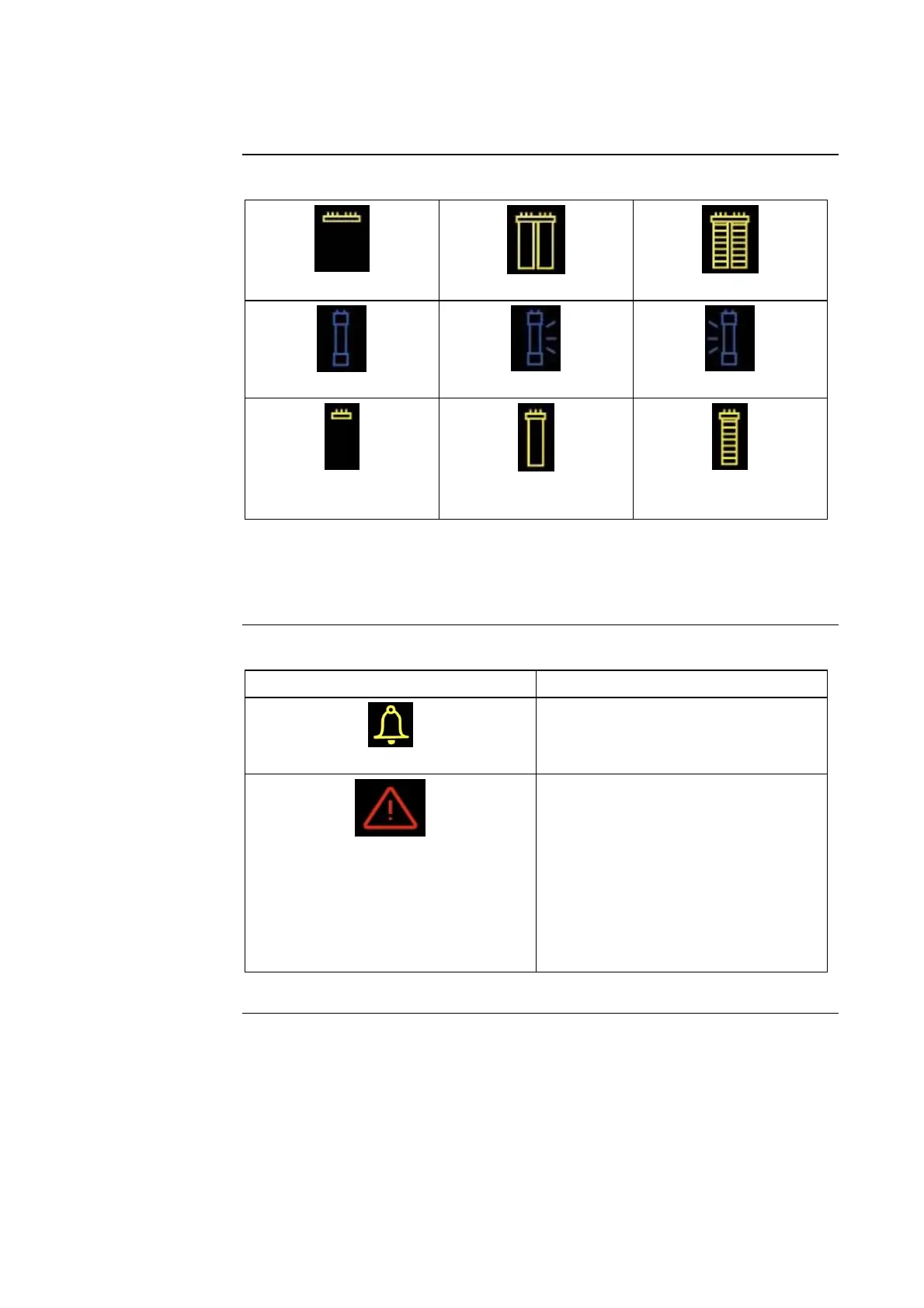
Status of
consumables
Progard Pack out
Progard Pack not in use
Progard Pack in use
UV Lamps off
UV 185 nm Lamp on
UV 254 nm Lamp on
Quantum Cartridge out
Quantum Cartridge not
in use
Quantum Cartridge in
use
NOTE:
When the icon is blinking, then replace the related consumable.
Display -5
Alert and
Alarm Symbols
Blinking
• Alert: MAINTENANCE needed.
• Water quality is still adequate.
Blinking
• Alarm: IMMEDIATE ACTION
needed.
• Water quality out of specification
or hardware problem.
• Another Q-POD Unit has stopped
dispensing but its microswitch is
locked. Locate this Q-POD Unit
and press the Q-POD Plunger all
the way down and release.
Continued on next page







 To Next Page