18
Q-POD Unit, Continued
Display –
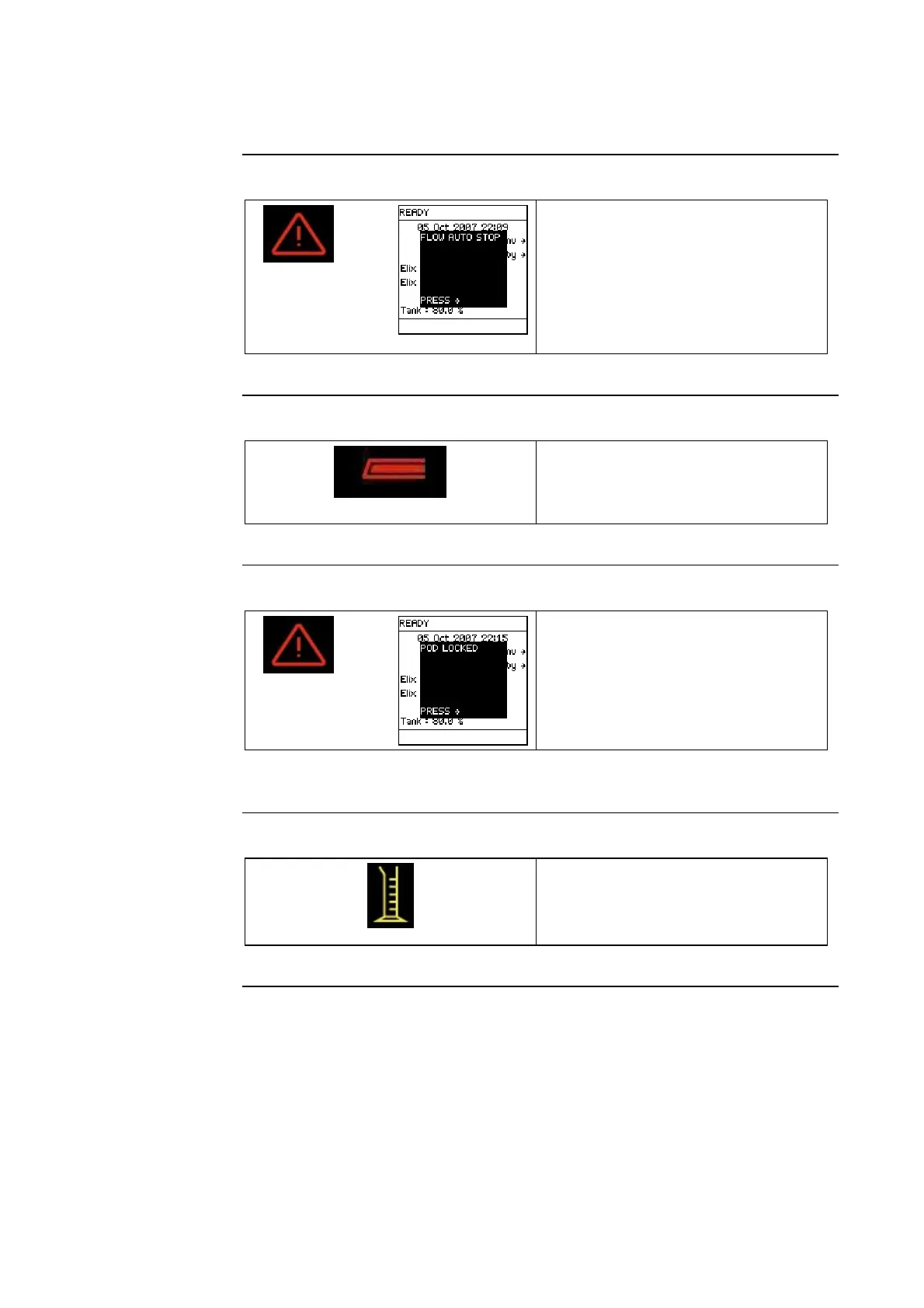
FLOW
AUTOSTOP
Alarm
Steady
+
• The Milli-Q System has dispensed
beyond the POD FLOW STOP
time. The FLOW AUTO STOP
Alarm is shown on the Main
Display.
• Press the Q-POD Plunger all the
way down and release.
Display – 6
Water not
available
Blinking
• Q-POD Unit not available for use.
• Another Q-POD Unit is being
used.
Display and
POD LOCKED
Alarm
Steady
+
• The microswitch inside the
Q-POD Unit was locked when the
Milli-Q System made a transition
to READY Mode.
• Press the Q-POD Plunger all the
way down and release.
Display -
Volumetric
Dispensing
Adjust the volume using (-) or (+)
buttons. Press the volumetric
dispensing button to start delivery of
selected volume.
Continued on next page







 To Next Page