88
Printing, Continued
Instant Quality
Report from
Main Display
(continued)
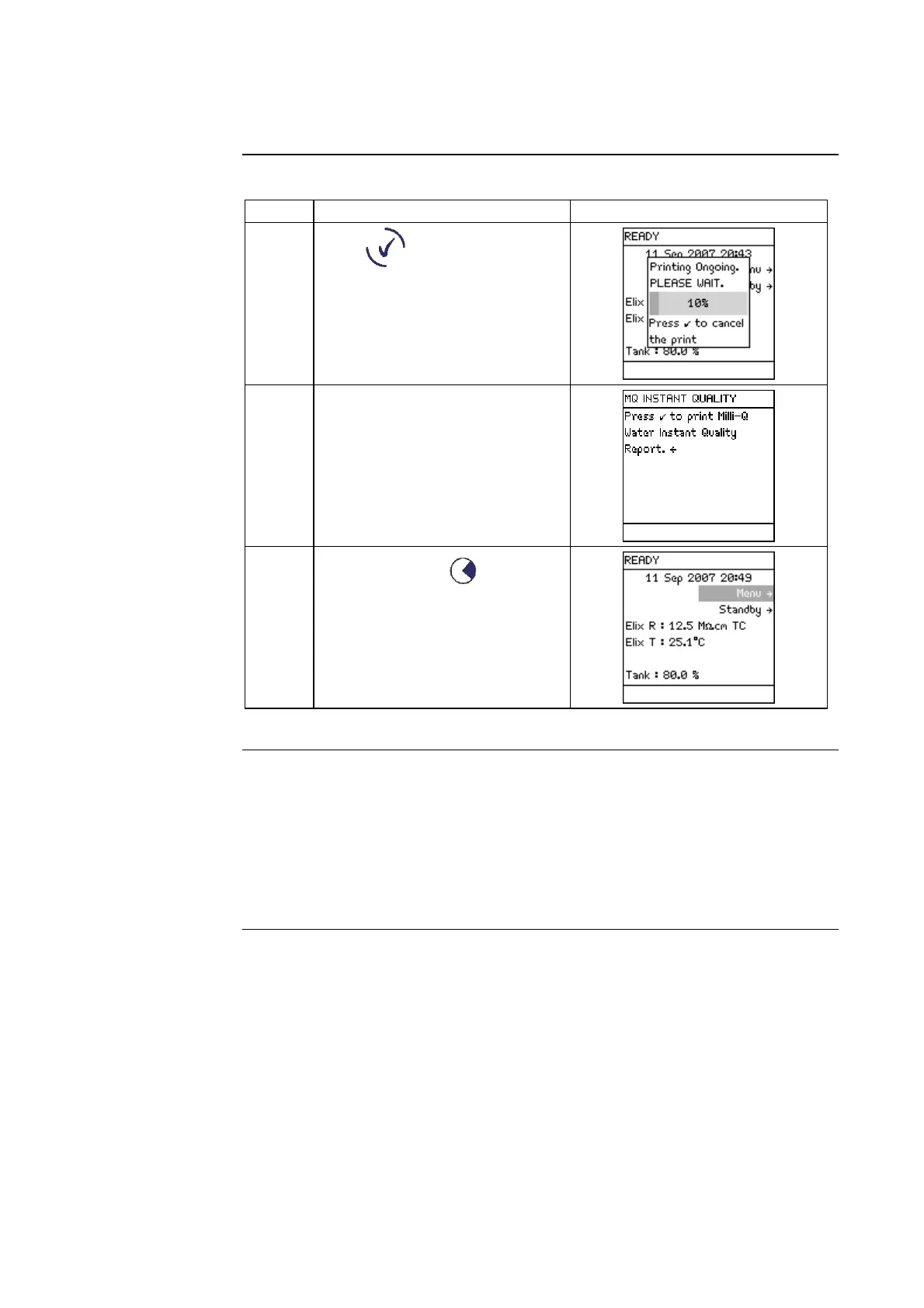
Step Action Diagram
5
Press .
6 The printing has finished.
7
Press 3 times on .
History
Printout
• A history report can be printed out.
• There are 3 types of History Reports. These are:
− Milli-Q History Report,
− Elix History Report, and
− System History Report.
• A System History Report is a combination of the 2 former reports.
Continued on next page







 To Next Page