11
8 Image Adjustment
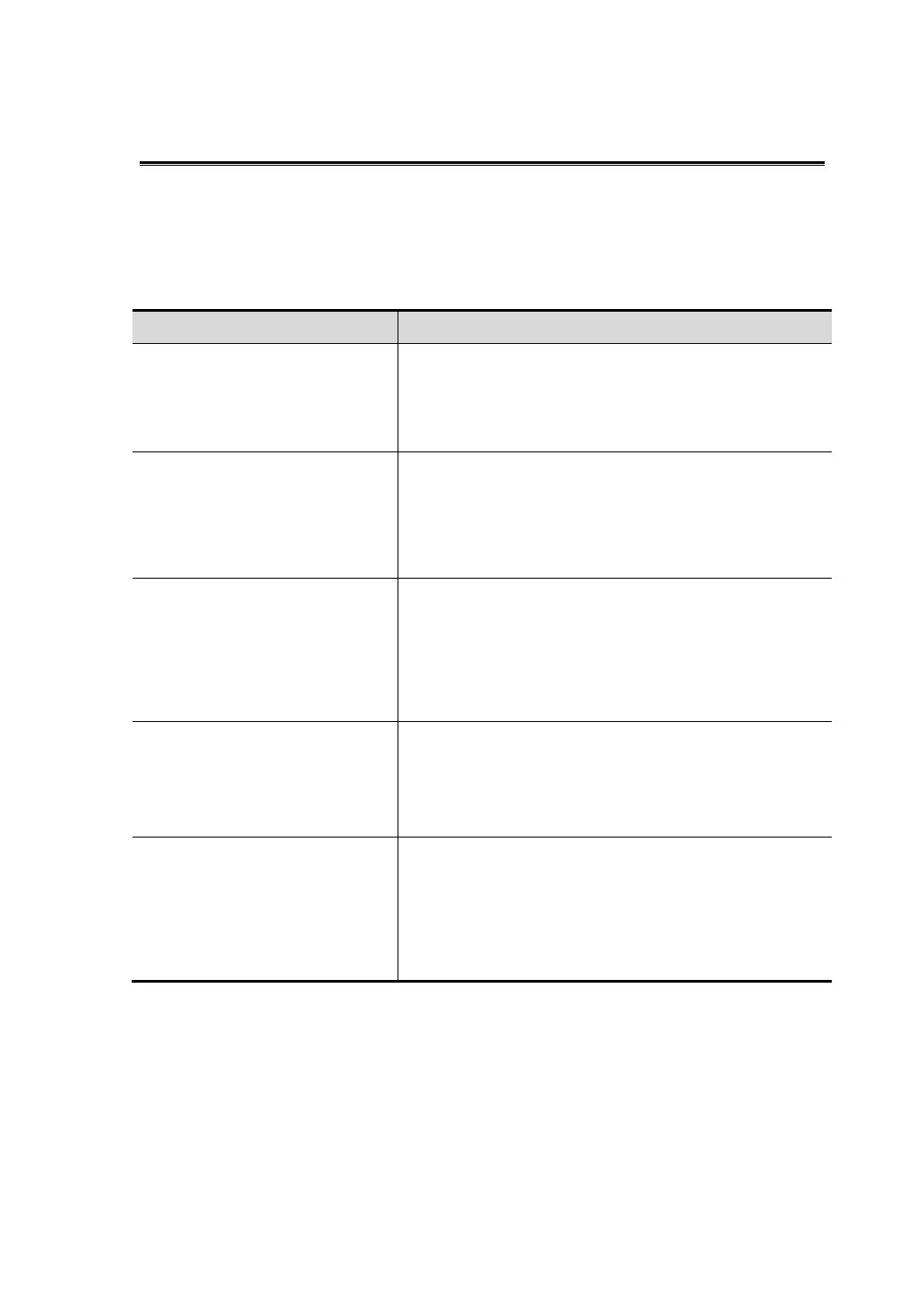
Requirement Available Operations
To modify the brightness
Adjust gain
Adjust TGC
Adjust [A. power] (do try to adjust gain first before
increasing the acoustic power)
To modify gray scale image
effect
Adjust [Dyn Ra.]
Adjust [Gray Map]
Adjust [Persistence]
Adjust [iClear] (optional)
To increase frame rate of gray
scale imaging
Decrease depth
Decrease the [Focus Number] in B mode
Decrease the [FOV] in B mode
Decrease [Line Density]
Turn on [HFR] in harmonic mode
To increase frame rate of color
imaging
Decrease ROI in Color/Power mode
Turn on [B/C Wide] in Color/Power mode
Decrease [Packet Size] in Color mode
Decrease [Line Density]
To modify flow images effect
(Resolution and sensitivity)
Adjust [Freq]
Adjust [Scale]
Adjust [Packet Size]
Adjust [Line Density]
Adjust [Smooth]



 To Next Page