15
11 Image Optimization: Color
1.
Select a high-quality image during B mode scanning, and adjust to place the area
of interest in the center of the image.
2.
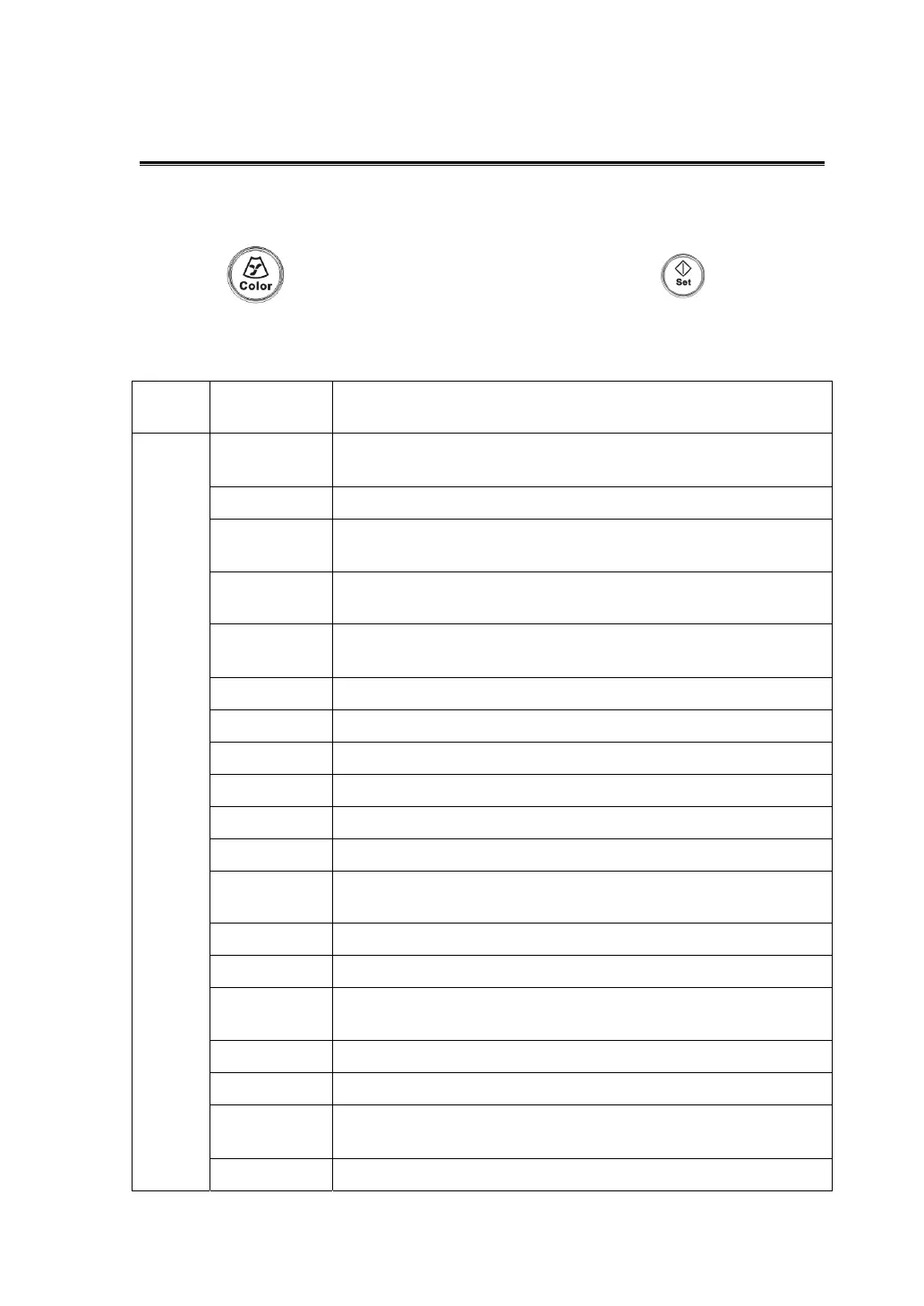
Press to enter B+Color mode. Use the trackball and to change
position and size of the Region of Interest (ROI).
3.
Adjust the image parameters and perform other operations (e.g. measurement
and calculation) if necessary.
Control
Panel
Gain Changes the Color mode gain---- rotate <iTouch> knob.
Menu
Invert Inverts the color bar so as to change the flow display
manner.
Baseline Changes the velocity display range.
B/C Wide Sets and constrains the maximum width of the B mode
image to that of the Color ROI.
Dual Live Turns on/ off a synchronous display of B image and Color
image.
B Display
To turn on or off the B image display as Color imaging
remains active.
Frequency Selects the frequency value in doppler mode.
Scale Changes PRF to adjust the velocity display range.
Flow State Optimizes flow images by preference.
A. power Selects the acoustic power value.
Priority Sets the flow priority to play: grayscale or color signal.
Packet Size Adjusts the sensitivity of detecting low-velocity flows.
Color IP
Selects among groups of image combination parameters to
optimize the image.
Map Selects among groups of image display effects.
Wall Filter Filters out signals of low speed flow.
Line Density
The function determines the quality and information of the
image.
Smooth Rejects noise and makes the image smooth.
Persistence Smooth processing of an image.
Focus
Position
Adjusts the color focus position against the ROI position.
Steer To steer the color image without moving the probe.



 To Next Page