2
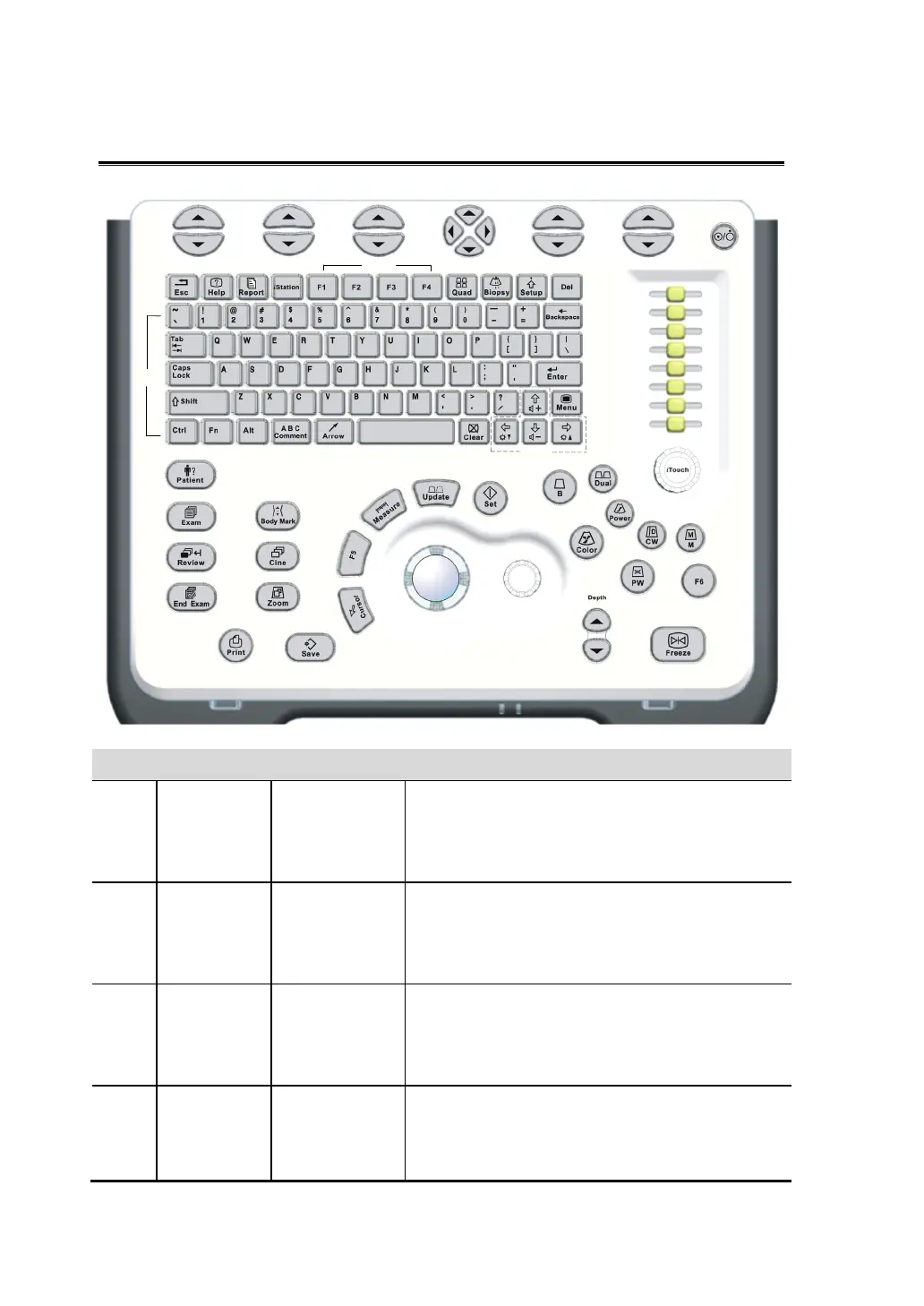
2 Control Panel
<1> <2> <3> <4> <5> <6>
<7>
<8> <9> <10> <11> <12> <13> <14> <15> <16>
<17>
<18>
<19>
<20> <21> <22> <23>
<24>
<25>
<26>
<27>
<28>
<29>
<30>
<31>
<
3
2
>
<
3
3
>
<
34>
<35>
<36>
<37>
<38>
<39>
<40>
<41>
<42>
<43>
<44>
<45>
<46>
<47>
<48>
<49>
<50>
<51>
<52>
No. Name Description Function
<1> / Soft menu
controls 1
Press to select the soft menu items displayed
on the bottom of the screen.
Refer to the subsequent contents for specific
functions.
<2> / Soft menu
controls 2
Press to select the soft menu items displayed
on the bottom of the screen.
Refer to the subsequent contents for specific
functions.
<3> / Soft menu
controls 3
Press to select the soft menu items displayed
on the bottom of the screen.
Refer to the subsequent contents for specific
functions.
<4> / Soft menu
controls 4
Up/ down controls are used to turn pages
up/down when there are more than one pages
for the soft menu.
Left/ right keys are used to switch among the



 To Next Page